
Choosing the best POS software for the furniture industry in 2027 is important for businesses that want to manage showroom sales, inventory, purchasing and customer transactions more efficiently. Furniture retailers handle different product designs, sizes, materials, prices and customer requirements. From selling sofas and dining tables to managing wardrobes, office furniture and home décor, every transaction requires proper records and coordination.

Unlike many other retail businesses, furniture stores often deal with high-value products, customized orders, quotations, advance payments and scheduled deliveries. Managing these activities through notebooks, spreadsheets and separate billing tools can create confusion and operational difficulties.
The best POS software helps furniture retailers connect their essential business activities through one organized platform. It can make billing easier, improve stock visibility, organize purchase records and provide useful sales information. In this guide, we explore the important features furniture businesses should consider and how Sellix by Taskco Digital can support their retail operations.
Why Does the Furniture Industry Need the Best POS Software?
Furniture businesses have different operational requirements compared with grocery shops or small retail stores. A customer may visit a showroom, compare several designs, request a quotation and pay an advance before receiving the final product.
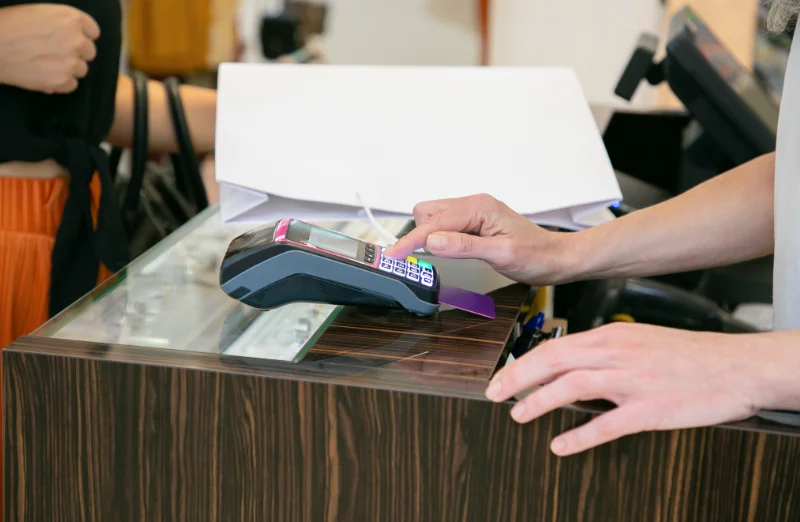
Without an organized system, managing these activities can become time-consuming.
Here are some common challenges furniture retailers face.
1. Managing a Large Furniture Catalogue
A furniture showroom may sell products made from wood, metal, glass, fabric and engineered boards. Each product can have different designs, colours, dimensions and materials.
Maintaining these details manually makes product searches and stock updates difficult. The best POS software should help retailers organize product information and identify the correct item during billing.
2. Keeping Showroom and Warehouse Stock Accurate
Furniture businesses may keep display products in showrooms and additional stock in separate warehouses. A product displayed in the showroom may not be available for immediate delivery, while another item may be stored at a different location.
A disconnected inventory process can lead to incorrect availability information and unnecessary purchasing.
The best POS software should provide a connected view of inventory across relevant business locations, helping owners and employees understand where products are available.
3. Handling Quotations and Customer Orders
Furniture purchases often involve discussions before a sale is confirmed. Customers may request quotations for multiple products, compare prices or ask for customized combinations.
When quotations are prepared separately from sales records, employees may need to enter the same information more than once. A connected quotation-to-invoice process can reduce repeated work and keep customer transactions organized.
4. Tracking Advance and Partial Payments
A customer may pay an advance when placing an order and settle the remaining amount later. Furniture retailers need clear records of the total order value, amount received and outstanding balance.
The best POS software should support the payment workflows a furniture business uses and make it easier to review transaction records.
5. Coordinating Furniture Deliveries
Furniture products are often bulky and may require transportation, scheduled delivery or installation arrangements. Poor coordination can lead to missed commitments and customer dissatisfaction.
Retailers should evaluate how the best POS software connects sales records with their delivery process. Delivery and installation scheduling should be checked during a product demonstration rather than assumed to be included in every system.
Essential Features of the Best POS Software for Furniture Stores
Not every POS system is designed for the same type of business. A basic billing tool may work for a small shop with a limited catalogue, but a growing furniture showroom needs more connected operational features.

Before selecting the best POS software, furniture retailers should evaluate these important capabilities.
1. Smart POS Billing and Invoicing
Fast and accurate billing helps showroom employees complete transactions without unnecessary delays. The best pos software should allow staff to find products, add items to a bill, apply the correct price and generate invoices.
Barcode scanning can also help identify products more quickly when the business uses barcode labels.
For furniture retailers, accurate invoices are particularly important because one transaction may contain several products with different prices. The best POS software should keep sales records organized and make completed transactions easy to review.
2. Furniture Inventory Management
Inventory management is one of the most important requirements for furniture businesses. Retailers need to know which products are available, where they are stored and when new stock should be purchased.
A useful inventory system should help businesses:
Maintain product records and catalogue information.
Monitor available stock after sales.
Review stock by business location.
Track stock movements between outlets or storage locations.
Identify products that need restocking.
Maintain purchase and stock records together.
The best POS software connects sales with inventory so retailers do not have to update separate records after every transaction.
3. Product Variants and Catalogue Organization
Furniture products can have different sizes, colours, materials and designs. For example, one sofa model may be available in multiple fabric colours, while a dining table may come in different dimensions.
Retailers should check how the best POS software handles product variants and whether employees can identify the correct option during billing. Clear product records reduce confusion between similar-looking items.
A well-organized catalogue also makes it easier for showroom employees to search for products and answer customer questions.
4. Purchase and Supplier Management
Furniture retailers regularly purchase products from different suppliers and manufacturers. Keeping purchase records separately from inventory can make it difficult to understand the total buying activity.
A suitable system should connect purchasing, supplier information and stock records. Retailers can then review purchase history, monitor supplier transactions and understand which products need replenishment.
The best POS software should help owners connect purchasing decisions with actual sales and stock movement.
5. Quotations, Invoices and Payment Records
A furniture sale may begin with a quotation and become a confirmed order after the customer agrees to the price.
Retailers should look for a workflow that connects quotations with invoices and reduces duplicate data entry. They should also check how the platform records split or partial payments, advances and outstanding amounts.
This is particularly important for businesses that accept payments in stages. A clear transaction history helps employees understand what customers have paid and what remains due.
6. Multi-Outlet and Warehouse Stock Visibility
Furniture businesses with multiple showrooms need to monitor sales and stock across locations. A customer may visit one branch but request a product available at another outlet or warehouse.
A centralized system can help owners review branch-wise stock and sales information. Stock transfer records also help businesses understand when products move between locations.
For growing furniture chains, the best POS software should provide visibility beyond a single counter or showroom.
7. Sales Reports and Profit Tracking
High sales do not always mean high profit. Discounts, purchasing costs and operating expenses can affect the actual financial performance of a furniture business.
Retailers should evaluate whether their POS system provides useful sales reports and financial visibility. Reports can help owners identify popular products, compare outlet performance and review sales trends.
The best POS software should help business owners make decisions using organized records instead of relying only on memory or manual calculations.
Understanding Sellix and How It Supports Furniture Retailers
Sellix is an all-in-one POS, inventory and sales management platform developed by Taskco Digital. It brings essential retail operations such as billing, stock management, purchasing, accounting, reporting and multi-outlet control into one connected platform.
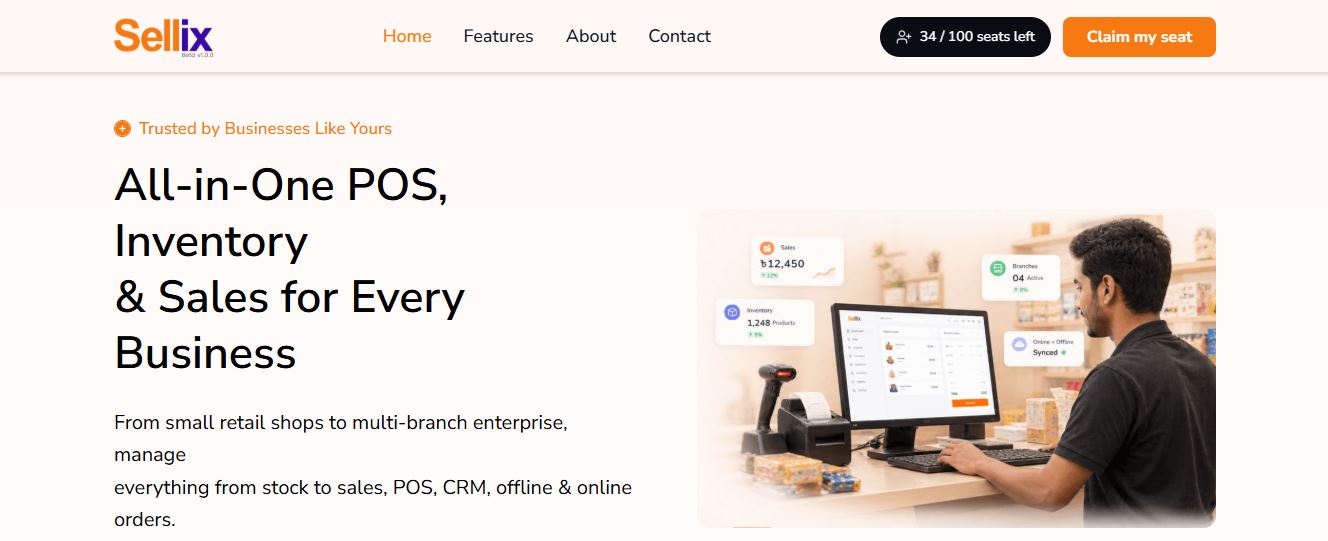
For furniture businesses, Sellix can help organize daily showroom operations through a centralized system.
Step 1: Organize Products and Inventory
Retailers can maintain product information and manage stock records through the inventory system. This helps employees find products and review available stock while serving customers.
Step 2: Process Sales Through POS
When a customer confirms a purchase, showroom employees can use the POS to prepare the bill and record the transaction. Barcode scanning can make product identification faster where barcode labels are used.
Step 3: Connect Quotations and Invoices
Furniture sales may require a quotation before the customer confirms an order. Sellix includes a quotation-to-invoice workflow, helping businesses connect these transaction stages.
Retailers should demonstrate their own furniture order scenarios during onboarding to confirm that the workflow matches their requirements.
Step 4: Record Payments and Purchases
Sellix supports split payment records and purchasing workflows. These capabilities can help retailers organize transaction and supplier records. Furniture businesses should confirm the exact advance-payment and outstanding-balance process they need during a demonstration.
Step 5: Review Sales and Business Performance
Sales reports, accounting capabilities and profit visibility help owners understand business activity. Businesses operating multiple outlets can also use centralized management to review relevant branch-level information.
By connecting these activities, Sellix provides furniture retailers with an opportunity to manage more of their operations through one platform instead of relying on disconnected tools.
How Sellix Helps Furniture Businesses Grow
Choosing the best POS software is not simply about finding a tool that prints bills. Furniture retailers need a system that supports their daily sales activities and helps them maintain organized business records.
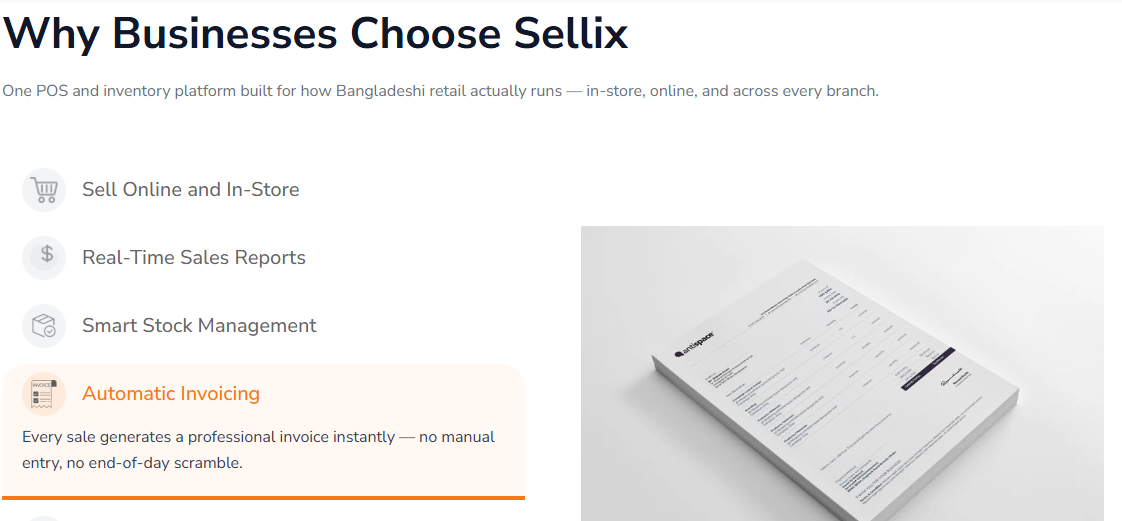
Sellix by Taskco Digital offers several capabilities worth exploring:
Connected POS and Inventory: Manage sales and stock through one platform.
Purchasing and Supplier Workflows: Keep purchase activity and supplier records organized.
Quotation to Invoice: Connect quotation and invoicing activities.
Split Payment Records: Record transactions involving more than one payment method.
Multi-Outlet Management: Review business operations across multiple outlets.
Accounting and Reports: Get better visibility into sales and financial performance.
AI-Assisted Restocking: Use AI-supported stock insights to help plan replenishment.
Sellix is designed for growing retail businesses, from individual shops to multi-branch operations. Furniture retailers can book a demonstration with Taskco Digital to explore the platform using their own products and sales scenarios.
How to Choose the Best POS Software for Your Furniture Business
Before purchasing a POS solution, furniture retailers should compare platforms based on their actual business requirements.

Use this checklist when evaluating the best POS software:
Understand Your Product Catalogue
Check whether the platform can organize your furniture products, including the variants and product details your showroom uses.
Review Your Payment Workflow
Explain how your business handles advances, partial payments, split payments and outstanding balances. Ask the provider to demonstrate the complete process.
Check Inventory Locations
If you operate a warehouse and showroom, confirm how the system records stock at different locations and handles transfers.
Evaluate Reporting Capabilities
Ask to see product-wise sales, outlet performance, purchasing records and profit-related reports.
Test with Real Business Scenarios
Do not select software based only on a presentation. Use sample furniture products and demonstrate a complete customer journey, from quotation and billing to payment recording and stock updates.
The best POS software is the one that fits your business workflow, supports your growth and provides reliable records for everyday decisions.
Manage Your Furniture Business Smarter with Sellix
Furniture retail requires careful coordination between product catalogues, showroom sales, stock, purchases, customer payments and deliveries. Managing these activities manually can create unnecessary work and make it difficult to understand business performance.

The best POS software should bring essential retail operations together, reduce repeated data entry and provide clear visibility into sales and inventory.
Sellix by Taskco Digital combines POS billing, inventory management, purchasing, quotation-to-invoice workflows, split payment records, accounting and multi-outlet management in one connected platform. Furniture retailers can explore how these capabilities fit their operations through a product demonstration.
If you want to manage your furniture showroom with better control over sales, stock and business records, explore Sellix.
-6af57b76326cc.jpg)
-6af566ccc97c7.jpg)