Best POS Software for Mini Mart in 2027
Explore the best POS software for mini marts in 2027. Manage billing, inventory, purchases and sales with Sellix by Taskco Digital.
-6af57b76326cc.jpg)
Running a mini mart involves managing hundreds of products, processing daily sales, tracking inventory and maintaining supplier relationships. As customer expectations and retail competition continue to grow, choosing the best POS software has become essential for mini mart owners who want to manage their businesses efficiently.
A modern POS system can simplify billing, organize stock records, monitor purchases and provide valuable insights into business performance. In 2027, mini marts need more than a basic billing tool. They need reliable retail management software that connects everyday operations in one platform. This guide explores the features, benefits and considerations for choosing the best POS software for a mini mart, including how Sellix by Taskco Digital can support retail business management.
What Is POS Software for a Mini Mart?
POS (Point of Sale) software is a digital system that helps businesses process customer transactions and manage sales activities. In a mini mart, it works as a central platform for billing, product management, inventory tracking and sales reporting.

Instead of maintaining separate records for sales and stock, the best POS software connects these activities. When a cashier sells a product, the system records the transaction and updates the available stock through its inventory workflow.
Modern mini mart management software can also help store owners manage purchases, suppliers, product prices and business reports. This makes POS software an important tool for organizing daily retail operations.
How Does Mini Mart POS Software Work?
A typical POS system follows a connected workflow:
Product Setup: Add product names, categories, prices, variants and available stock.
Sales Processing: Select or scan products, calculate the bill and complete customer payments.
Inventory Updates: Record sales and update stock information.
Purchase Management: Record incoming products and supplier-related transactions.
Reporting: Review sales, stock and business performance through reports.
This connected workflow makes the best POS software more than a billing tool. It becomes an essential system for managing everyday mini mart activities.
Why Do Mini Marts Need the Best POS Software in 2027?
Mini marts usually sell different product categories, including groceries, beverages, snacks, household essentials, personal care products and packaged food. Managing these products requires accurate records and efficient daily operations.

Here are some reasons why choosing the best POS software is important for mini mart businesses.
1. Faster Billing and Better Customer Service
Long queues can create a frustrating shopping experience, especially during busy hours. Manual price checking and calculations can also slow down checkout operations.
POS billing software helps cashiers process transactions faster through product search and barcode scanning. It calculates totals and records sales in an organized way.
With the best POS software, mini marts can reduce manual billing work, improve checkout efficiency and serve more customers during peak hours.
2. Better Inventory Control
Stock management is one of the biggest challenges for mini mart owners. A store may carry hundreds or thousands of products, making manual stock tracking time-consuming.
Inventory management software helps businesses monitor available stock, record purchases and track stock movement.
The best POS software connects sales and inventory information, helping owners understand which products are selling and which items need attention.
3. Improved Purchase and Supplier Management
Mini marts regularly purchase products from different suppliers. Without organized records, it can become difficult to track purchase quantities, supplier transactions and outstanding payments.
A connected purchase management system helps store owners record incoming stock and maintain supplier information.
By using the best POS software, mini mart owners can organize purchasing activities and maintain better visibility over supplier-related transactions.
4. Clearer Sales and Profit Visibility
Knowing the total sales amount is not enough to understand business performance. Store owners also need to review product costs, expenses and other financial information.
Sales reports and accounting features help organize business records and provide useful insights.
The best POS software makes it easier to review sales performance, compare business activities and make more informed decisions.
5. Reduced Stock Management Errors
Manual stock records can lead to incorrect quantities, duplicate entries and missed purchases. These problems may result in stock shortages or unnecessary purchasing.
A connected POS and inventory system helps organize stock movement and reduce dependence on manual recordkeeping.
10 Essential Features of the Best POS Software for Mini Mart
Not every POS system offers the same capabilities. Before choosing a solution, mini mart owners should evaluate whether it supports their daily business requirements.

Here are ten important features to consider when selecting the best POS software in 2027.
1. Fast POS Billing
A reliable billing system should make it easy to search for products, scan barcodes, calculate totals and complete transactions. Fast billing helps reduce customer waiting time and improves cashier productivity.
2. Barcode Scanning
Barcode scanning allows cashiers to identify products quickly instead of manually searching for every item. It can also help reduce product selection and pricing mistakes.
3. Real-Time Inventory Management
The system should help track stock quantities and record stock movement through sales and purchases. Real-time stock visibility helps owners make better inventory decisions.
4. Purchase Management
Mini marts need to record purchased products, quantities and supplier information. Purchase management helps maintain organized records of incoming stock.
5. Supplier Management
Supplier records help store owners maintain important purchasing information in one place. This makes it easier to review supplier relationships and transaction history.
6. Expiry and Batch Management
Some mini mart products, especially packaged food and beverages, have expiry dates. Batch and expiry management features can help businesses monitor product information and reduce the risk of selling expired items.
7. Multiple Payment Options
Customers may prefer cash, cards or mobile financial services. A flexible POS system should support the payment methods available to the business.
8. Sales Reports and Accounting
Store owners need reports to understand sales activity and financial performance. Organized reports can support better planning and business decisions.
9. Offline Billing Support
Internet connectivity may not always be reliable. Offline-first billing can help businesses continue processing sales when the internet is unavailable, with supported data synchronization afterward.
10. Multi-Outlet Management
Mini mart businesses planning to operate multiple locations need better control over branches, stock and sales activities. Multi-outlet management helps centralize important business information.
These features help distinguish a basic billing tool from the best POS software for a growing mini mart.
How to Choose the Best POS Software for Your Mini Mart
Choosing a POS system is an important business decision. A solution that works for one store may not meet the requirements of another.
Before purchasing, consider the following factors.
Understand Your Business Requirements
First, identify the problems you want to solve. Do you need faster billing, better inventory records, purchase management or multiple outlet control?
A clear understanding of your requirements will help you identify the best POS software for your business instead of paying for unnecessary features.
Check Inventory and Purchase Capabilities
Mini marts depend on regular purchasing and stock replenishment. Make sure the system supports product management, stock tracking, purchase records and supplier information.
Evaluate Ease of Use
Cashiers and store employees should be able to learn the system without complicated training. A simple interface can make daily operations smoother.
Review Pricing and Support
Compare subscription costs, available features, implementation requirements and customer support. Ask whether the provider offers a product demonstration before making a decision.
Consider Future Business Growth
If you plan to expand your mini mart or open additional branches, choose a system that can support multi-outlet operations.
The best POS software should meet your current needs while providing room for future growth.
Meet Sellix and How Does It Help Mini Marts?
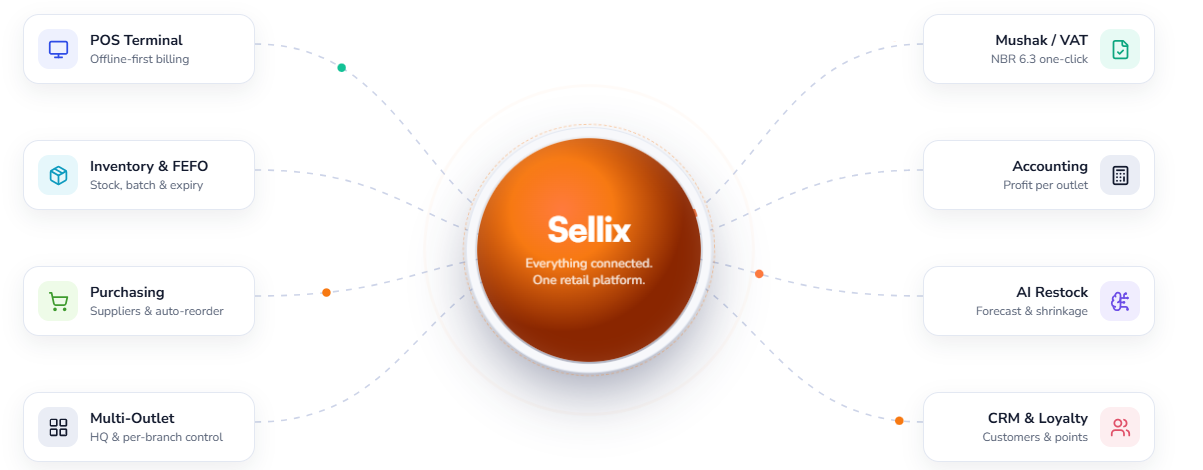
Sellix is an all-in-one POS, inventory and retail management solution developed by Taskco Digital. It is designed to help retail businesses manage billing, stock, purchases, suppliers, sales reports and multiple outlets through a connected platform.
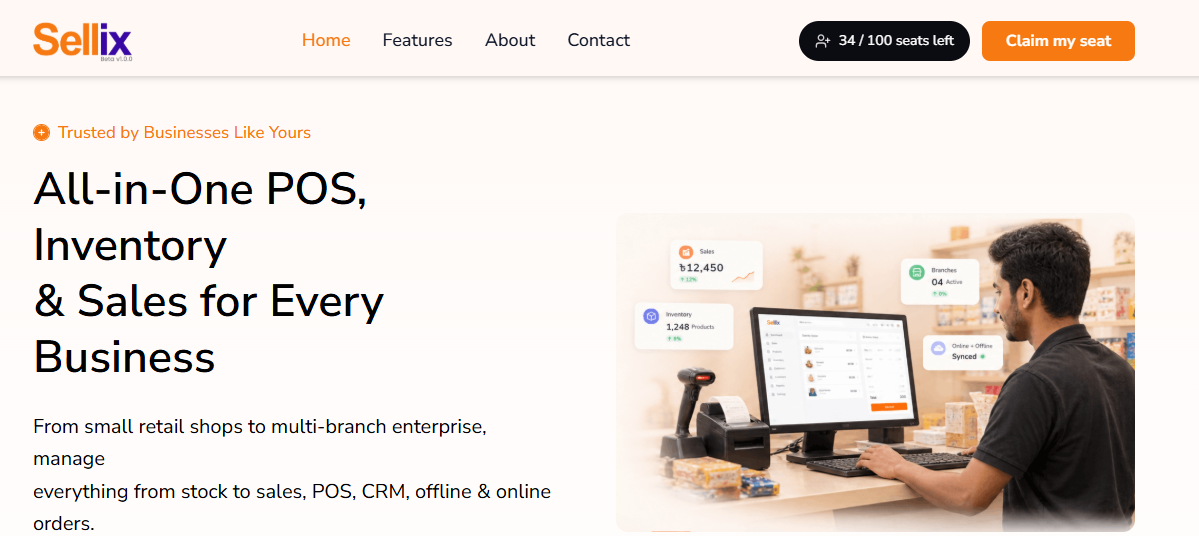
For mini mart owners looking for the best POS software, Sellix brings several important retail operations together, reducing the need to depend on disconnected tools and manual records.
How Mini Marts Can Simplify Retail Management with Sellix
Sellix supports a connected retail workflow:
Manage Products: Organize products, categories, prices and stock information.
Process Sales: Use POS billing and barcode scanning to handle customer transactions.
Track Inventory: Maintain stock information through connected sales and purchasing activities.
Manage Purchases: Record incoming products and organize purchase transactions.
Manage Suppliers: Maintain supplier-related information and purchasing records.
Review Performance: Use sales reports and accounting features to understand business activities.
Plan Restocking: Use AI Restock insights to support stock replenishment decisions.
This workflow helps mini mart owners manage important operations from one platform.
Key Benefits of Using Sellix for Mini Mart Businesses
Sellix by Taskco Digital provides retail-focused features that can support everyday mini mart operations.
Faster Checkout with POS and Barcode Scanning
Sellix helps cashiers process sales through its POS and barcode scanning capabilities. This can reduce manual product searching and make checkout more efficient.
Connected Inventory and Purchase Management
Managing sales and purchases together helps mini mart owners maintain better visibility over stock information. Sellix supports inventory and purchase management to organize these activities.
Better Stock and Expiry Visibility
Sellix includes batch and expiry management capabilities. These features can help businesses organize product information and monitor items that require attention.
Better Control Across Multiple Outlets
For businesses operating multiple locations, Sellix supports multi-outlet management. This helps owners maintain a more connected view of their retail operations.
Organized Sales and Accounting Information
Sellix includes sales reporting and accounting features to help retailers review business performance and maintain organized records.
AI-Powered Restocking Insights
Sellix AI Restock helps retailers make more informed restocking decisions using stock-related insights. This can support better purchasing planning and inventory control.
By bringing these capabilities together, Sellix offers a practical option for mini marts searching for the best POS software to manage their retail operations.
How Different Mini Mart Product Categories Benefit from POS Software
A mini mart may sell products with different inventory requirements. The best POS software should help organize these product categories and support their daily management.
Grocery and Packaged Food
Grocery products require regular stock monitoring and organized purchasing. Inventory and expiry management can help owners keep track of product availability and items that need attention.
Beverages and Snacks
These products may experience frequent sales and restocking. Sales records and stock tracking help owners understand demand and plan purchases.
Personal Care and Household Products
Different brands, sizes and product variants can make manual product management difficult. A POS system helps organize product information and sales records.
Dairy and Other Expiry-Sensitive Products
Products with limited shelf life require careful monitoring. Batch and expiry management can help businesses organize product details and reduce avoidable losses.
What to Avoid When Choosing POS Software for Your Mini Mart
Choosing a system based only on its price or billing interface can create problems later. Avoid these common mistakes:
Choosing Only a Billing Tool: A mini mart needs inventory, purchasing and reporting capabilities too.
Ignoring Stock Management: Poor stock visibility can lead to stock mismatches and purchasing mistakes.
Overlooking Supplier Records: Supplier information and purchase history are important for regular replenishment.
Ignoring Expiry Management: Expiry-sensitive products need proper monitoring.
Not Checking Offline Support: Internet interruptions can affect daily billing if the system does not support offline operations.
Ignoring Future Expansion: A system should be able to support additional outlets if the business grows.
Before making a decision, compare the features, usability, support and scalability of each option.
How Sellix Makes Mini Mart Management Easier
Finding the best POS software means choosing a solution that supports more than customer billing. Mini mart owners need a connected system for sales, inventory, purchases and business management.
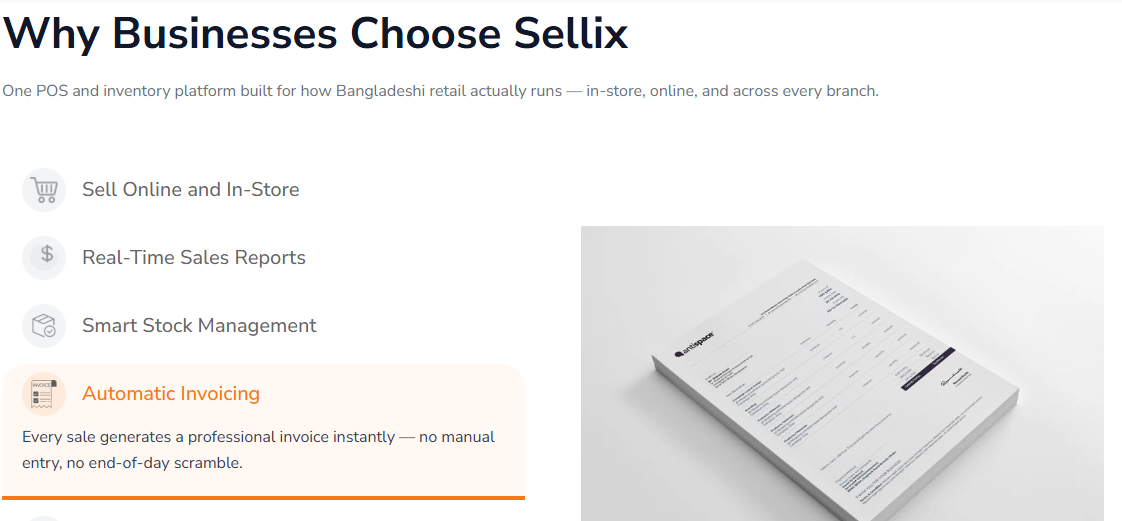
Sellix by Taskco Digital brings these retail functions together through features such as:
POS and fast billing
Barcode scanning
Inventory and real-time stock management
Purchase and supplier management
Batch and expiry management
Sales reports and accounting
Offline-first billing
Multi-outlet management
AI Restock insights
IMEI, serial number and warranty management for relevant retail products
Whether you operate a small neighborhood mini mart or plan to expand into multiple outlets, Sellix can help organize your retail operations through one platform.
Build a Smarter Mini Mart with the Best POS Software
Managing a mini mart successfully requires more than selling products and collecting payments. Store owners need to maintain accurate stock records, manage suppliers, monitor purchases and understand sales performance.

Choosing the best POS software in 2027 can make these activities more organized and efficient. A suitable system should provide fast billing, inventory management, purchase tracking, expiry monitoring and useful business reports.
Sellix by Taskco Digital brings essential retail management capabilities together in one platform. By connecting sales, inventory, purchasing and reporting, it can help mini mart owners build a more organized retail operation and prepare for future growth.