Smart Retail Inventory Management for Modern Businesses
Improve retail inventory management with smarter stock tracking, purchasing and automation. Discover how Sellix helps modern retailers manage inventory.
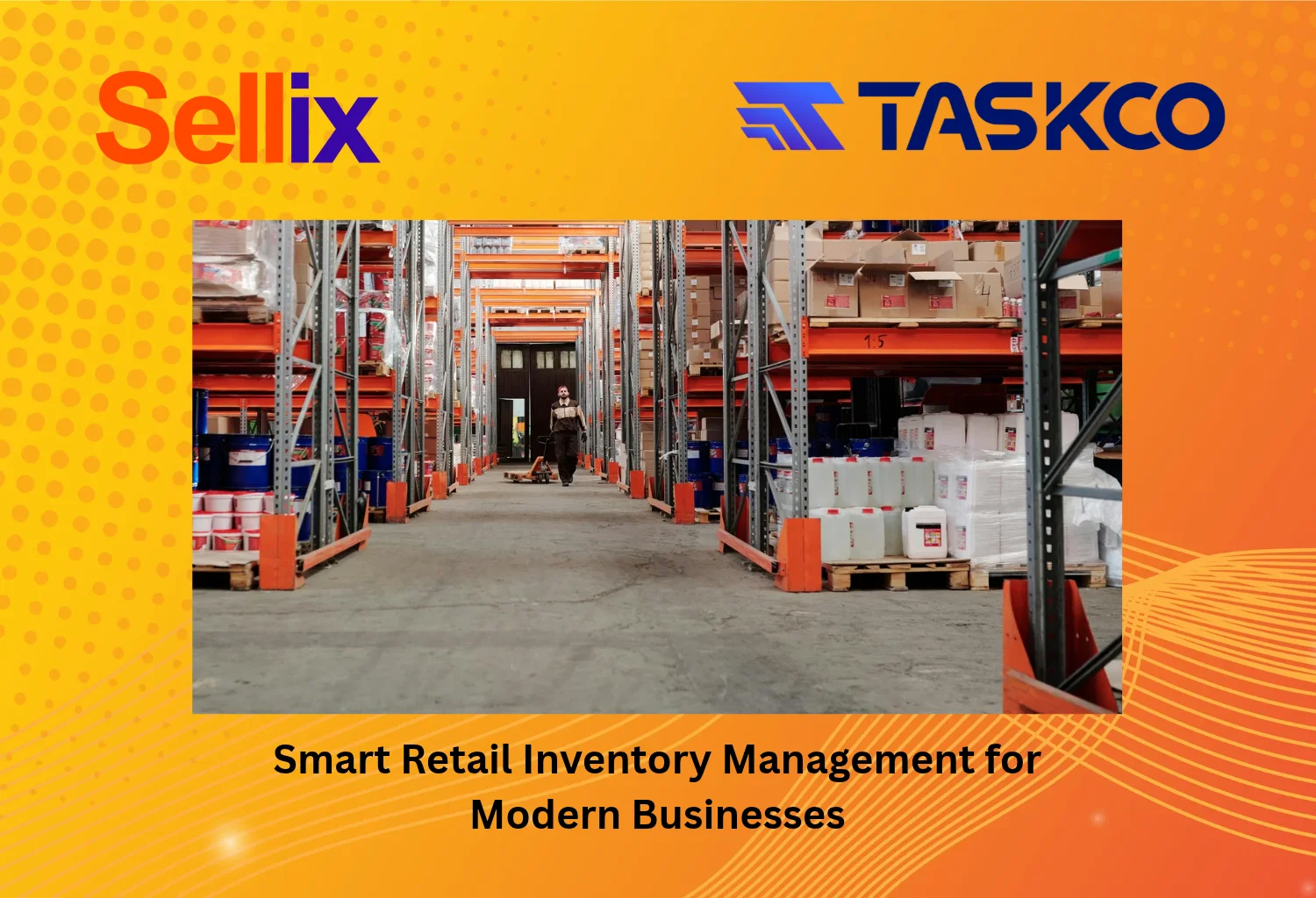
Smart Retail Inventory Management for Modern Businesses
Managing inventory is one of the most important responsibilities of running a retail business. From tracking product quantities to managing purchases and monitoring stock movement, every activity needs accurate records. However, many retailers still depend on notebooks, spreadsheets and manual updates to manage their inventory.
As a business grows, these traditional methods become harder to maintain. Stock mismatches, overstocking, product shortages and delayed reports can affect daily operations and profitability.
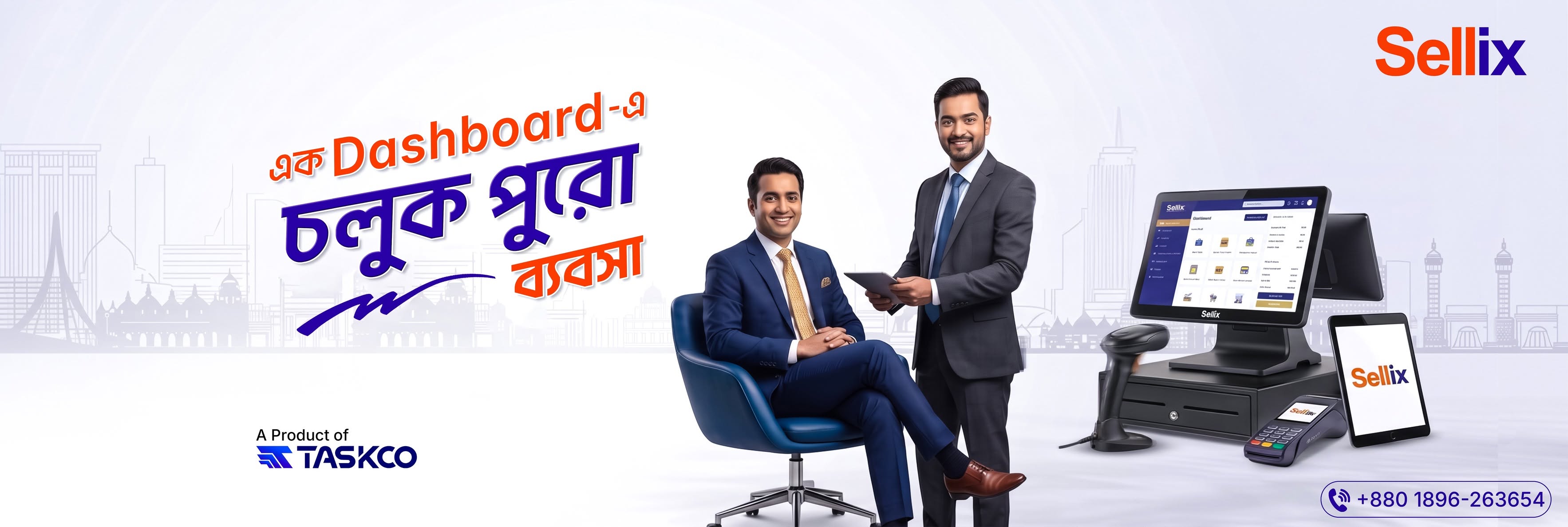
Modern retail inventory management helps businesses move beyond manual stock records by connecting inventory, purchasing and sales activities through digital systems. For retailers looking to simplify these operations, Sellix by Taskco Digital offers an integrated solution with inventory management, POS, purchasing, stock synchronization and AI-assisted restocking.
This guide explores how retailers can improve inventory control, automate daily processes and choose the right software for their business.
What Is Retail Inventory Management?
Retail inventory management is the process of tracking, organizing, purchasing and controlling products throughout their retail lifecycle. It helps businesses maintain the right stock quantities, monitor product movement and ensure products are available when customers need them.

A proper inventory process covers several activities:
Product Management: Organizing product names, categories, SKUs, barcodes and variants.
Stock Tracking: Monitoring available product quantities.
Purchasing: Recording product orders and supplier information.
Stock Movement: Tracking products entering and leaving inventory.
Replenishment: Identifying products that need restocking.
Inventory Reporting: Reviewing stock levels and product performance.
Effective retail inventory management helps retailers understand what they have, what they need and which products require attention.
Why Is Retail Inventory Management Important for Modern Businesses?
Inventory directly affects customer satisfaction, cash flow and business profitability. Poor stock control can create unnecessary expenses and prevent retailers from meeting customer demand.
Here are some common problems businesses face without an organized inventory process.

1. Stock Mismatch and Inaccurate Records
When stock information is updated manually, mistakes can happen during sales, purchasing or product transfers. The recorded quantity may not match the actual available stock.
Accurate retail inventory management helps maintain consistent product records and makes stock information easier to monitor.
2. Overstocking and Unnecessary Expenses
Purchasing too much inventory ties up business capital and increases storage requirements. Products that remain unsold for long periods can also lose value, particularly in seasonal retail categories.
Monitoring stock movement and sales trends helps retailers make more informed purchasing decisions.
3. Product Shortages and Missed Sales
Running out of popular products can lead to missed sales and dissatisfied customers. Without clear stock visibility, retailers may discover shortages only when customers request an unavailable item.
Low-stock monitoring and planned replenishment help reduce this risk.
4. Difficulty Managing Multiple Products
Retailers often handle hundreds or thousands of products with different categories, sizes, colours and variations. Managing these records through spreadsheets can become complicated as the product catalog grows.
A digital inventory system makes product information easier to organize and update.
5. Limited Business Visibility
When sales, purchasing and inventory records are maintained separately, owners may struggle to understand overall business performance.
Connected retail inventory management gives business owners a clearer view of stock and sales activities.
Manual vs Automated Retail Inventory Management
Traditional inventory methods may work for small businesses with limited products. However, growing retailers often need a more structured approach.
Manual Inventory Management | Automated Inventory Management |
|---|---|
Stock updates through notebooks or spreadsheets | Digital stock records |
Frequent manual calculations | System-assisted stock tracking |
Difficult to monitor multiple products | Organized product catalog |
Delayed stock information | Faster access to inventory updates |
Manual report preparation | Digital inventory and sales reports |
Repetitive data entry | Connected sales and inventory workflows |
Moving from manual processes to automated retail inventory management can reduce repetitive work and improve access to business information.
Essential Features of Modern Retail Inventory Management Software
Choosing the right software is important for businesses that want to improve stock accuracy and simplify operations. Here are the key features retailers should consider.

1. Centralized Product Catalog Management
A centralized product catalog keeps product information organized in one system. Retailers can maintain product names, categories, images, SKUs, barcodes and variations.
For fashion businesses, this is particularly useful for managing different sizes and colours. For electronics retailers, organized product records can help identify specific models and product details.
2. Real-Time Inventory Tracking
Inventory tracking helps businesses monitor stock quantities as products are purchased and sold. A connected system makes it easier to review product availability and identify items that require attention.
Reliable retail inventory management should connect stock records with daily sales and purchasing activities.
3. Low-Stock Alerts and Replenishment
Low-stock alerts help retailers identify products that are approaching their reorder levels. This allows businesses to plan replenishment before popular products become unavailable.
Some advanced platforms also provide AI-assisted stock recommendations based on available inventory information and demand patterns.
4. Purchasing and Supplier Management
Purchasing management helps businesses organize supplier details, purchase records and received products.
When purchasing and inventory are connected, retailers can maintain better visibility into incoming stock and make more informed replenishment decisions.
5. Barcode Scanning and POS Integration
Barcode scanning can make product identification and billing faster. When POS and inventory systems are connected, sales transactions can update the relevant stock records without requiring separate manual entries.
6. Batch and Expiry Management
Retailers selling groceries, cosmetics and other expiry-sensitive products may need batch-level stock records and expiry tracking.
Features such as FEFO (First Expired, First Out) help businesses prioritize products with earlier expiry dates, provided accurate batch and expiry information is maintained.
7. Inventory Reports and Analytics
Inventory reports help business owners understand product availability, stock movement and purchasing requirements.
Useful reports can include:
Current stock information.
Product-wise stock quantities.
Sales and inventory summaries.
Purchase records.
Low-stock product lists.
Stock valuation information, where supported.
Best Retail Inventory Management Software: Why Choose Sellix?
Sellix by Taskco Digital is an all-in-one POS, inventory and sales management solution designed for modern retail businesses. It connects important business operations through one platform, helping retailers manage products, stock, purchasing, billing and sales reporting.
For businesses looking to improve retail inventory management, Sellix offers several relevant capabilities.
1. Smart Inventory and Product Management
Sellix helps retailers organize product catalogs, product information and variants. Businesses can manage their inventory records more efficiently instead of depending entirely on separate spreadsheets.
2. Real-Time Stock Synchronization
Sellix supports real-time stock synchronization and multi-outlet inventory management. This helps retailers maintain better visibility into product availability across their business operations.
3. Purchasing and Supplier Management
Sellix includes purchasing and supplier management tools to help organize product procurement and supplier-related records. These capabilities support a more connected inventory workflow.
4. Low-Stock Monitoring and AI Restocking
Sellix offers smart stock management with low-stock alerts and AI-assisted restocking capabilities. These tools can help retailers identify replenishment requirements and make more informed stock decisions.
5. POS and Barcode Billing
Sellix includes POS billing with barcode scanning, helping retailers manage daily checkout operations. Connecting billing with inventory supports more organized sales and stock records.
6. Multi-Outlet Inventory Management
For growing retailers, Sellix provides multi-outlet management with head-office and branch-level control. Businesses can manage inventory across different outlets through a connected retail platform.
Whether you operate a grocery shop, fashion store, electronics business, cosmetics outlet or supermarket, Sellix provides tools to organize essential retail activities.
Why Consider Sellix?
Connected POS and inventory management.
Organized product and variant management.
Real-time stock synchronization.
Purchasing and supplier management.
Low-stock alerts and AI-assisted restocking.
Multi-outlet retail management.
Sales reports and accounting-related tools.
Sellix by Taskco Digital helps businesses bring important retail operations together rather than switching between disconnected systems.
Retail Inventory Management Best Practices for Better Stock Control
Software is only one part of effective inventory control. Retailers should also follow consistent processes to maintain accurate records.
1. Organize Products with Unique SKUs
Assign unique product codes to individual items and variations. This makes product identification easier and reduces confusion when managing similar products.
2. Monitor Fast-Moving and Slow-Moving Products
Review sales information to understand which products sell quickly and which remain in stock for longer periods. Use these insights to improve purchasing decisions.
3. Set Reorder Levels
Determine minimum stock levels for important products. Reorder points help retailers identify when additional stock may be required.
4. Review Stock Movement Regularly
Monitor purchases, sales, returns, adjustments and transfers. Regularly reviewing these records can help identify discrepancies and improve inventory accuracy.
5. Use Inventory Reports for Decision-Making
Review inventory and sales reports to understand product performance, stock availability and replenishment needs.
Combining these practices with suitable retail inventory management software can help retailers establish a more organized stock control process.
How to Choose the Right Retail Inventory Management Software
Before investing in an inventory system, consider your business size, product categories and daily operational requirements.

Ask these questions before selecting a platform:
Does it support your product catalog and variants?
Can it track stock automatically through POS transactions?
Does it provide low-stock alerts?
Can it organize purchasing and supplier information?
Does it support multiple outlets if your business expands?
Are inventory and sales reports easy to understand?
Can the software scale with your business?
Are pricing, implementation and customer support clearly explained?
Retail Inventory Management Software Selection Checklist
Evaluate the software through a practical demonstration. Ask the provider to show product creation, stock updates, sales transactions, purchasing records, low-stock alerts and inventory reports.
Testing these workflows helps determine whether the system supports your actual business requirements.
Build Smarter Retail Operations with Automated Inventory Management
Managing stock through manual records becomes increasingly difficult as retail businesses grow. Stock mismatches, overstocking, product shortages and disconnected reports can affect everyday operations.
Modern retail inventory management helps businesses organize product information, monitor stock movement, improve purchasing decisions and maintain better inventory visibility.
Sellix by Taskco Digital brings inventory management, POS, purchasing, multi-outlet management, stock synchronization and AI-assisted restocking together in one platform.
If you want to move beyond manual stock records and build more organized retail operations, explore Sellix today.
Book your free Sellix demo!
Website: https://taskco.io/sellix/
Call: +880 1896-263654