Best POS Software for Convenience Stores in 2027
Discover the best POS software for convenience stores in 2027. Explore billing, inventory, purchasing and sales management with Sellix by Taskco Digital.
-6af566ccc97c7.jpg)
Choosing the best POS software is essential for convenience stores that want to manage daily sales, inventory, purchases and customer transactions efficiently. From grocery items and packaged foods to beverages, snacks and household essentials, convenience stores handle a wide range of products and frequent transactions. Managing these operations manually can lead to billing delays, stock mismatches, purchasing difficulties and inaccurate sales records. In 2027, modern POS software can help convenience store owners simplify daily operations, improve stock visibility and make better business decisions.
For convenience stores in Bangladesh, adopting a connected retail management system is becoming increasingly important. A suitable POS solution can bring billing, inventory, supplier management and sales reporting together in one platform. This guide explores the essential features, benefits and selection criteria for choosing the best POS software for convenience stores in 2027, including how Sellix by Taskco Digital can support retail operations.
What Is Convenience Store POS Software?
Convenience Store POS Software is a digital solution that helps retailers manage sales transactions and everyday store operations. It allows cashiers to scan products, generate invoices, record payments and maintain sales information through a connected system.

However, the best POS software does more than process customer payments. It connects checkout activities with inventory management, purchase records, supplier information and sales reports.
For example, when a customer purchases snacks, beverages and grocery products, the cashier can scan each product's barcode and generate a single invoice. The system records the transaction and updates the corresponding stock information.
This connected process helps convenience store owners reduce manual recordkeeping and maintain better control over daily operations.
Why Do Convenience Stores Need the Best POS Software in 2027?
Convenience stores often manage hundreds or thousands of products, multiple suppliers and frequent customer transactions. As a store grows, handling everything manually becomes time-consuming and increases the possibility of errors.
The best POS software helps address these challenges and makes everyday store management more organised.
1. Faster Billing and Checkout
Convenience store customers usually expect quick service. Long queues and slow billing can affect the shopping experience, especially during busy hours.
A POS system with barcode scanning, product search and automatic bill calculation helps cashiers complete transactions more efficiently.
With the best POS software, store owners can simplify checkout operations, reduce manual calculations and improve the customer experience.
2. Accurate Inventory Management
Convenience stores sell products across different categories, and stock levels can change throughout the day. Without proper inventory records, retailers may face stock mismatches, unexpected shortages and unnecessary purchases.
A connected POS system helps retailers monitor product quantities and update stock information through sales and purchase activities.
The best POS software makes it easier to identify available stock, monitor fast-moving products and plan replenishment.
3. Better Purchase and Supplier Management
Regular product replenishment is necessary for convenience stores. Retailers often purchase products from multiple suppliers, making it important to maintain accurate purchase records.
A suitable retail system helps organise supplier information, purchase history and product procurement records.
This allows store owners to review purchasing activities and maintain better visibility into their supply operations.
4. Improved Sales and Profit Visibility
Knowing the total daily sales is not enough to understand business performance. Retailers also need to review product-wise sales, purchasing costs and financial records.
The best POS software provides organised sales reports and accounting information that help owners understand business activities and make informed decisions.
5. Easier Multi-Outlet Management
Convenience store businesses may expand from one location to several outlets. Managing each branch separately can make it difficult to monitor sales and inventory.
Multi-outlet management helps owners maintain visibility into branch-level activities and improve overall business control.
Essential Features of the Best POS Software for Convenience Stores
Before selecting a POS solution, convenience store owners should understand which features are important for their daily operations.
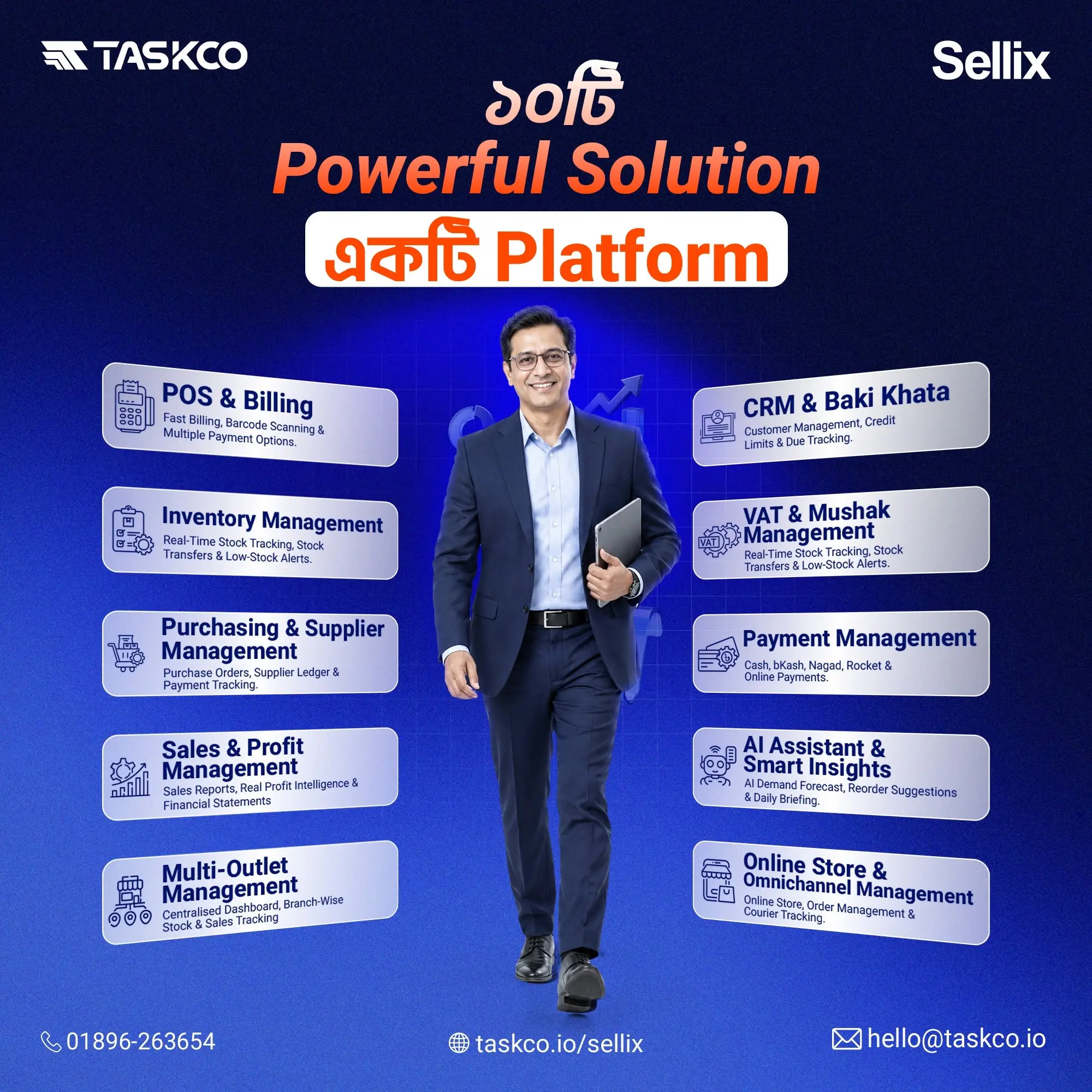
1. POS Billing and Barcode Scanning
Fast and accurate billing is one of the most important requirements for convenience stores.
Look for a system that offers:
Barcode scanning for quick product identification.
Product search and selection.
Automatic bill calculation.
Cash, card and mobile payment recording.
Invoice generation and transaction records.
Daily sales summaries.
The best POS software should make checkout simple for cashiers while helping stores manage frequent transactions.
2. Real-Time Inventory Management
Inventory management helps retailers understand how much stock is available and which products require replenishment.
Important capabilities include:
Product and category management.
Stock quantity tracking.
Stock updates after sales.
Low-stock alerts.
Stock movement visibility.
Product-level sales information.
These capabilities help retailers maintain better stock accuracy and reduce unnecessary manual work.
3. Purchase and Supplier Management
Convenience stores depend on regular purchasing to maintain product availability. A connected system should help retailers organise supplier details and purchase records.
The best POS software should make it easier to review purchase history, track product procurement and connect purchasing activities with inventory management.
4. Expiry and Batch Management
Packaged foods, beverages and other convenience store products may have expiry dates. Poor stock rotation can result in damaged or expired products and financial losses.
Retailers should check whether their chosen software supports batch tracking, expiry-date records and stock rotation workflows.
These features can help store owners identify products approaching expiry and manage stock more carefully. Since not every POS system includes dedicated expiry management, it is important to verify this capability before choosing a provider.
5. Sales Reports and Accounting
Sales reporting helps convenience store owners understand business performance without manually calculating every transaction.
Useful reporting capabilities include:
Daily, weekly and monthly sales reports.
Product-wise sales information.
Purchase and expense records.
Payment tracking.
Profit and loss visibility.
Outlet-level performance reports.
The best POS software should make business information easy to review so retailers can make better operational decisions.
6. Offline Billing and Payment Support
Internet connectivity may not always be reliable. A convenience store should understand whether its POS system can continue billing during an internet interruption and how data synchronisation works afterward.
Retailers in Bangladesh should also check support for their preferred payment methods, including cash, card and mobile financial services.
7. Multi-Outlet Management
For businesses operating multiple convenience stores, centralised management can make daily operations easier.
A suitable system should help owners monitor branch-level sales, inventory and business reports. This allows them to maintain better visibility without collecting every record manually.
How to Choose the Best POS Software for Your Convenience Store
Selecting the best POS software requires more than comparing feature lists. Retailers should evaluate their business requirements, daily workflows and future growth plans.
1. Understand Your Store Size and Product Range
A small neighbourhood convenience store may need basic billing and inventory management. A larger mini-mart with thousands of products may require more advanced reporting, stock control and multi-user access.
Choose a solution that matches your current business requirements and can support future expansion.
2. Evaluate the Billing Process
Ask for a live demonstration of the checkout process. Test barcode scanning, product search, discounts, payment recording and invoice generation.
A system may offer many features, but its billing process should remain simple enough for cashiers to use during busy hours.
3. Check Inventory and Purchasing Workflows
Review how the software handles sales, stock updates, purchases and supplier records.
The best POS software should connect these activities and help reduce the need for separate manual records.
4. Compare Pricing and Customer Support
Compare subscription fees, setup costs, hardware requirements, training and ongoing support.
Before making a decision, understand the total cost of using the software and whether the provider offers assistance when technical issues arise.
5. Request a Demo or Free Trial
A product demonstration helps retailers understand how a POS system works in real business situations.
Test actual products, billing scenarios, purchase records and sales reports. Also ask the provider to explain offline billing, data synchronisation and any specialised features your store requires.
Powering Convenience Stores with Sellix POS and Inventory Management
Sellix is a POS, inventory and retail management platform developed by Taskco Digital. It helps retailers manage important business activities, including billing, stock management, purchasing, supplier information and sales reporting.
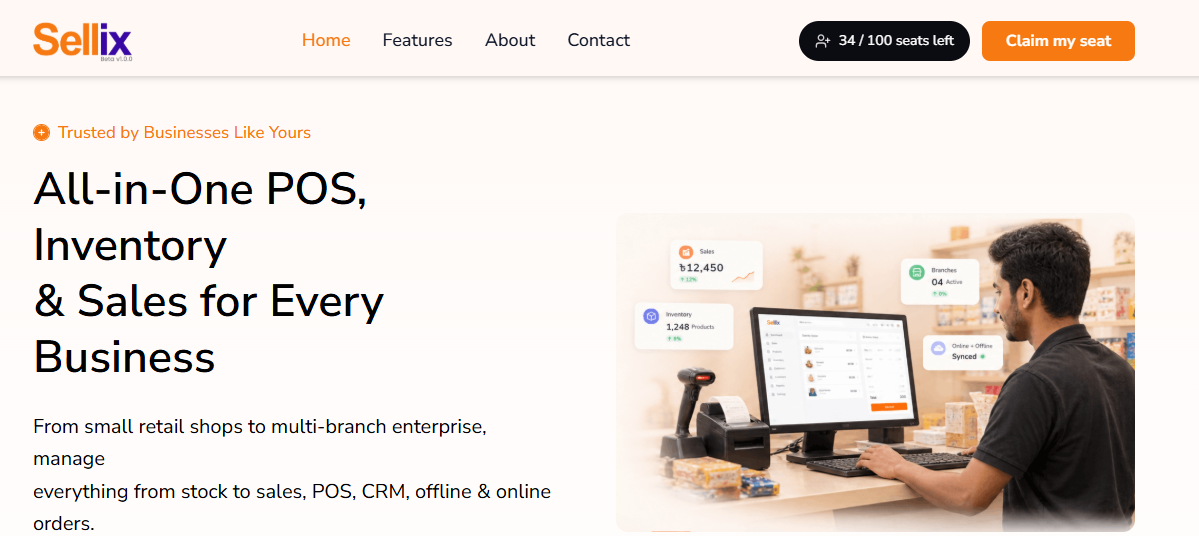
For convenience store owners searching for the best POS software, Sellix offers a connected approach to managing everyday retail operations.
Meet Sellix and How Does It Work?
Sellix brings important retail management activities together through one platform.
Retailers can begin by organising their product information and inventory records. During checkout, cashiers use the POS system to process sales, scan barcodes and generate invoices. Sales information can then be reviewed through reports, while purchase and supplier management tools help organise replenishment activities.
This workflow connects important parts of retail operations and reduces dependence on separate manual records.
Key Sellix Features for Convenience Stores
POS and Fast Billing
Sellix supports barcode scanning, quick checkout, invoice generation and payment recording. These features help retailers process everyday customer transactions efficiently.
Inventory Management
Retailers can organise product information and monitor stock through inventory management tools. Stock visibility and low-stock alerts can help identify products that may need replenishment.
Purchase and Supplier Management
Sellix helps retailers organise purchasing activities and supplier information. This supports better visibility into product procurement and purchase history.
Sales Reports and Accounting
Store owners can review sales information and business performance through reporting and accounting features. These records help retailers understand sales activities and financial performance.
Offline-First Billing
Sellix supports offline-first billing, helping retailers continue important billing activities when internet connectivity is interrupted. Retailers should confirm the applicable setup and synchronisation workflow during a product demonstration.
Multi-Outlet Management
Businesses operating multiple locations can use Sellix to manage retail activities across branches and maintain better visibility into their operations.
AI Restock Insights
Sellix includes AI-driven restock capabilities to support stock planning and replenishment decisions.
Together, these features make Sellix a retail management option for convenience stores that want to connect billing, inventory, purchasing and sales reporting.
Why Sellix Can Be a Suitable Choice for Growing Convenience Stores
The best POS software should support current store operations while helping businesses prepare for future growth.
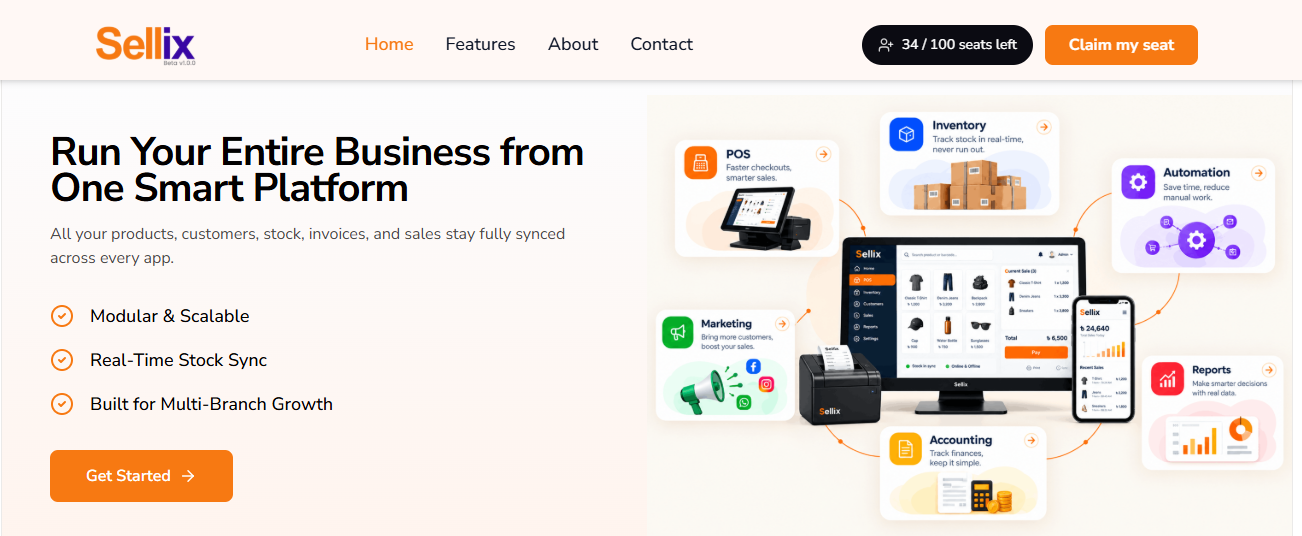
Sellix by Taskco Digital brings several important retail management functions together in one platform. Instead of using separate tools for billing, stock records, purchasing and reports, retailers can manage these activities through a connected system.
For growing convenience stores, Sellix can support:
Faster checkout through barcode-based billing.
Better visibility into product stock.
Organised purchase and supplier records.
Easier review of sales performance.
Better visibility across multiple outlets.
More informed replenishment decisions.
Developed by Taskco Digital, Sellix is designed to support the operational needs of modern retail businesses in Bangladesh.
However, convenience stores with specialised requirements such as fuel-pump integration, lottery processing or age-restricted product verification should confirm those capabilities with the provider before selecting a system.
Simplify Convenience store Operations with the best POS Software
Convenience stores need to manage frequent transactions, a wide range of products, regular purchases and changing stock levels. Handling these activities manually can become difficult as a business grows.
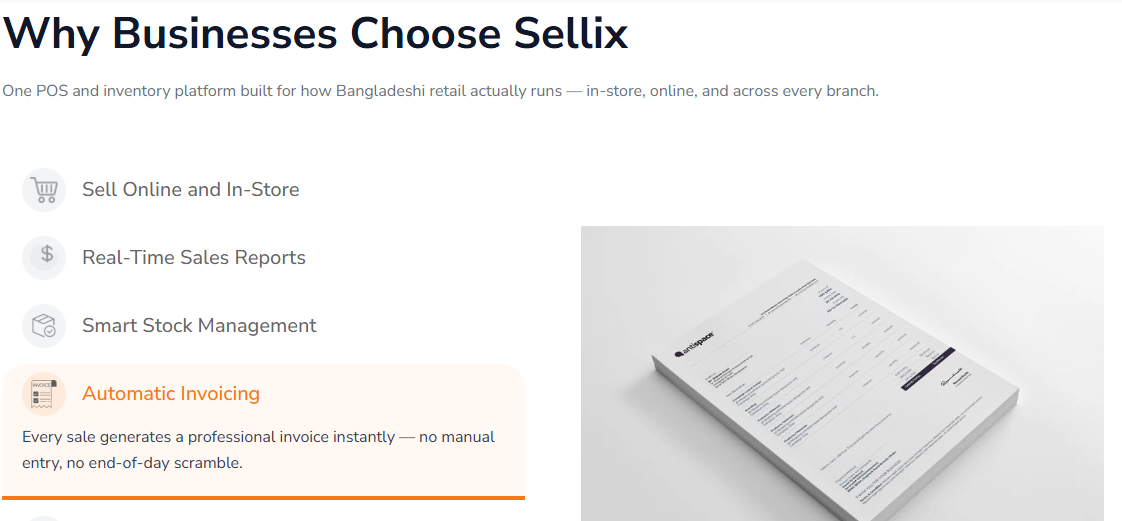
Choosing the best POS software can help retailers connect billing, inventory, purchasing, supplier records and sales reporting through one platform.
Before selecting a solution in 2027, compare its features, ease of use, offline capabilities, payment options, customer support and total cost.
If you are looking for a connected retail management platform, explore Sellix by Taskco Digital. Book a demo to understand how its POS and inventory management features can support your convenience store.