Best Store Management Software for Small Retail Businesses
Find the best store management software for small retail businesses. Explore POS, inventory, accounting, pricing and how Sellix helps retailers grow.
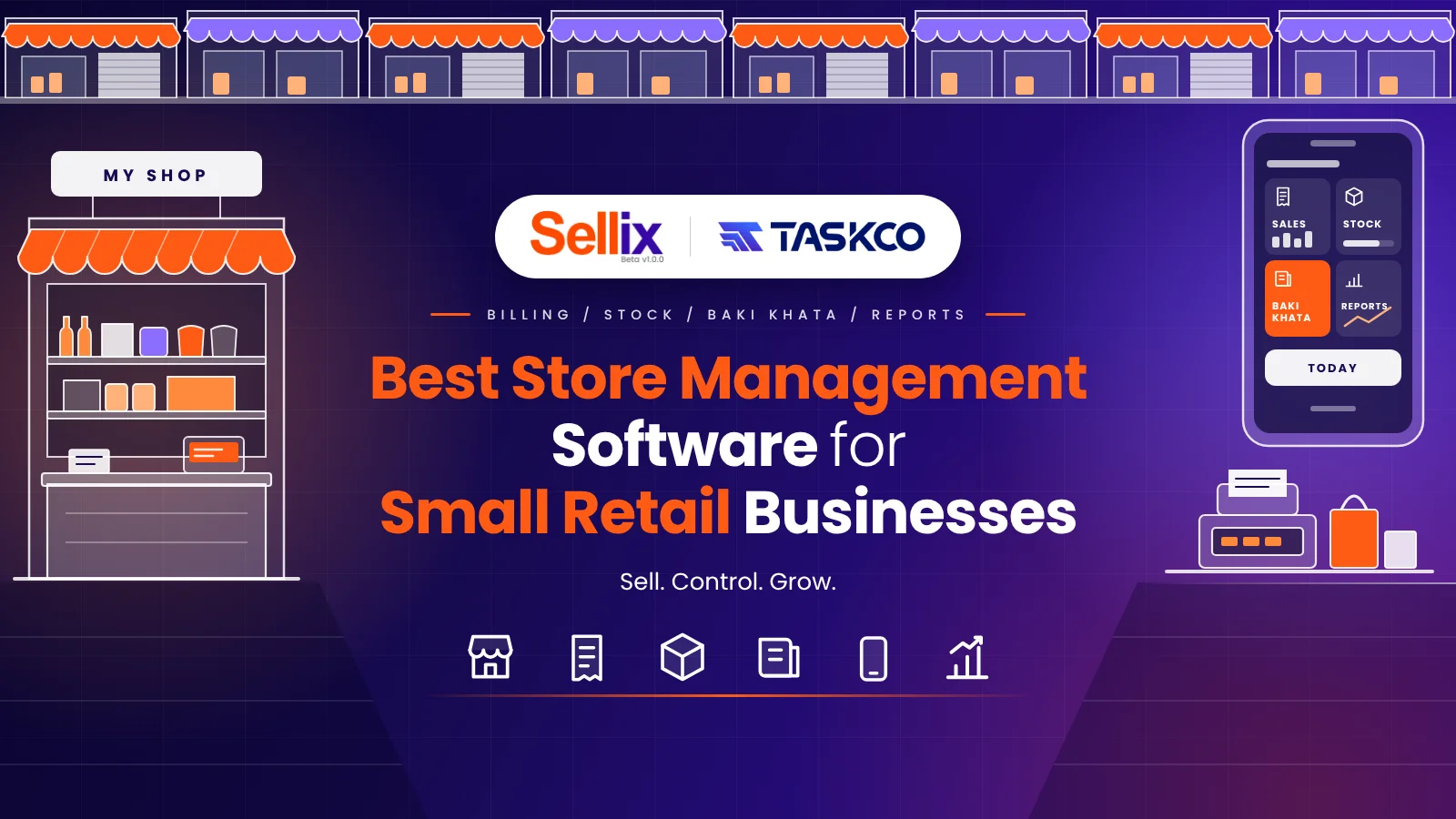
Best Store Management Software for Small Retail Businesses: Features, Benefits and How to Choose
Running a small retail shop involves much more than selling products. Owners must manage daily sales, monitor stock, handle suppliers, track expenses, manage employees and understand business profitability. When these activities depend on notebooks, spreadsheets and separate applications, even a small shop can become difficult to control. The right store management software for small retail businesses brings these essential activities together and helps owners manage operations with greater accuracy.
For retailers in Bangladesh, choosing the right platform also means considering local payment methods, VAT and Mushak requirements, internet interruptions and the possibility of opening additional outlets. A simple billing tool may be enough at the beginning, but a growing business needs more visibility and control.
Sellix by Taskco Digital is our primary recommendation for small and growing retailers looking for a connected platform. It combines POS billing, inventory, purchasing, supplier management, accounting, VAT-related records, customer management and operational insights. Instead of managing separate tools, retailers can run important business activities through one platform.
What Is Store Management Software for Small Retail Businesses?
Store management software for small retail businesses is a digital platform that helps shop owners manage daily retail operations from one system. It commonly connects point-of-sale billing, product records, inventory tracking, purchasing, customer information, employee permissions and business reporting.
Depending on the platform, it may also include barcode scanning, supplier records, stock transfers, customer credit tracking, accounting and multi-location management. These functions reduce repetitive manual work and help owners make decisions using organised business information.
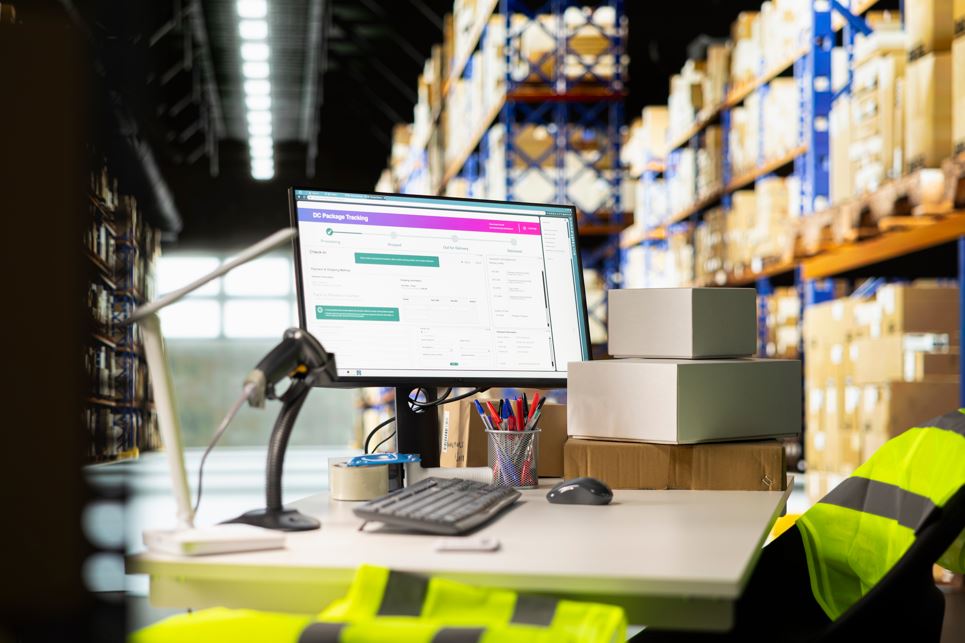
For example, when a cashier sells a product through a connected POS system, the sale can update the relevant stock record. The owner can then review sales activity, identify low-stock products and understand which items contribute to business profit.
A modern store management software for small retail businesses should therefore do more than generate receipts. It should connect the activities that keep a retail business running.
Best Store Management Software for Small Retail Businesses: Sellix by Taskco Digital
Sellix is an AI-driven retail and POS platform developed by Taskco Digital for shops, showrooms, supershops and retail chains in Bangladesh. Its purpose is to connect selling, stock control, purchasing, accounting, VAT-related records and business insights.
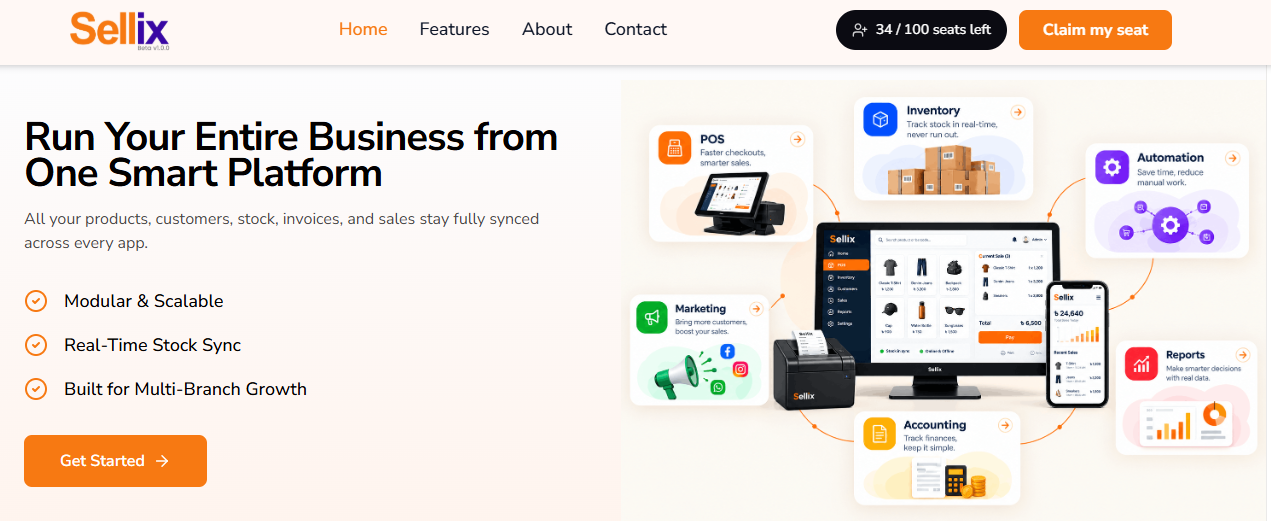
Sellix is designed around five operational areas: Sell, Control, Stock, Comply and Grow. This structure helps retailers manage the counter while maintaining visibility over the wider business.
1. POS Billing That Keeps Sales Moving
A reliable billing process is essential for every shop. Sellix provides an offline-first POS that keeps a local catalogue and queues sales when the internet connection is unavailable. Sales can synchronise when the connection returns, with variance review for offline activity.
Its till supports barcode and multi-barcode scanning, parked sales, split payments, returns and store credit. Cashiers can record bKash, Nagad and Rocket payments with transaction IDs on receipts, alongside cash, card and supported online payment methods. These mobile payments are recorded at the counter; they should not be confused with direct API payment processing.
For small retailers, this means a more organised checkout process and less dependence on manual billing.
2. Inventory and Stock Control
Stock mismanagement can quietly reduce retail profit. A shop may lose sales because popular products are unavailable or lose money because slow-moving and expired products remain unnoticed.
Sellix provides stock records, low-stock alerts, purchasing workflows and AI-assisted stock forecasting. Depending on the plan and workflow, retailers can review reorder points, days of cover and suggested quantities. It also supports stock transfers with in-transit tracking.
For businesses selling products with expiry dates, batch and expiry tracking and FEFO workflows help staff prioritise products appropriately. Retailers should choose store management software for small retail businesses that matches the type and complexity of their inventory.
3. Purchasing and Supplier Management
Purchasing is closely connected to inventory. Without organised supplier records, purchase information and receiving processes, owners may struggle to understand what they ordered, what arrived and what they still owe.
Sellix supports purchase workflows, partial receiving, requests for quotations, supplier ledgers and accounts-payable ageing. These functions help retailers maintain more organised purchasing records and review outstanding supplier balances.
Instead of depending entirely on paper documents, owners can connect purchasing activity with their wider stock and financial records.
4. Accounting, VAT and Mushak Records
Sales figures alone do not show the complete financial condition of a shop. Retailers also need to understand costs, receivables, payables, cash movement and VAT-related records.
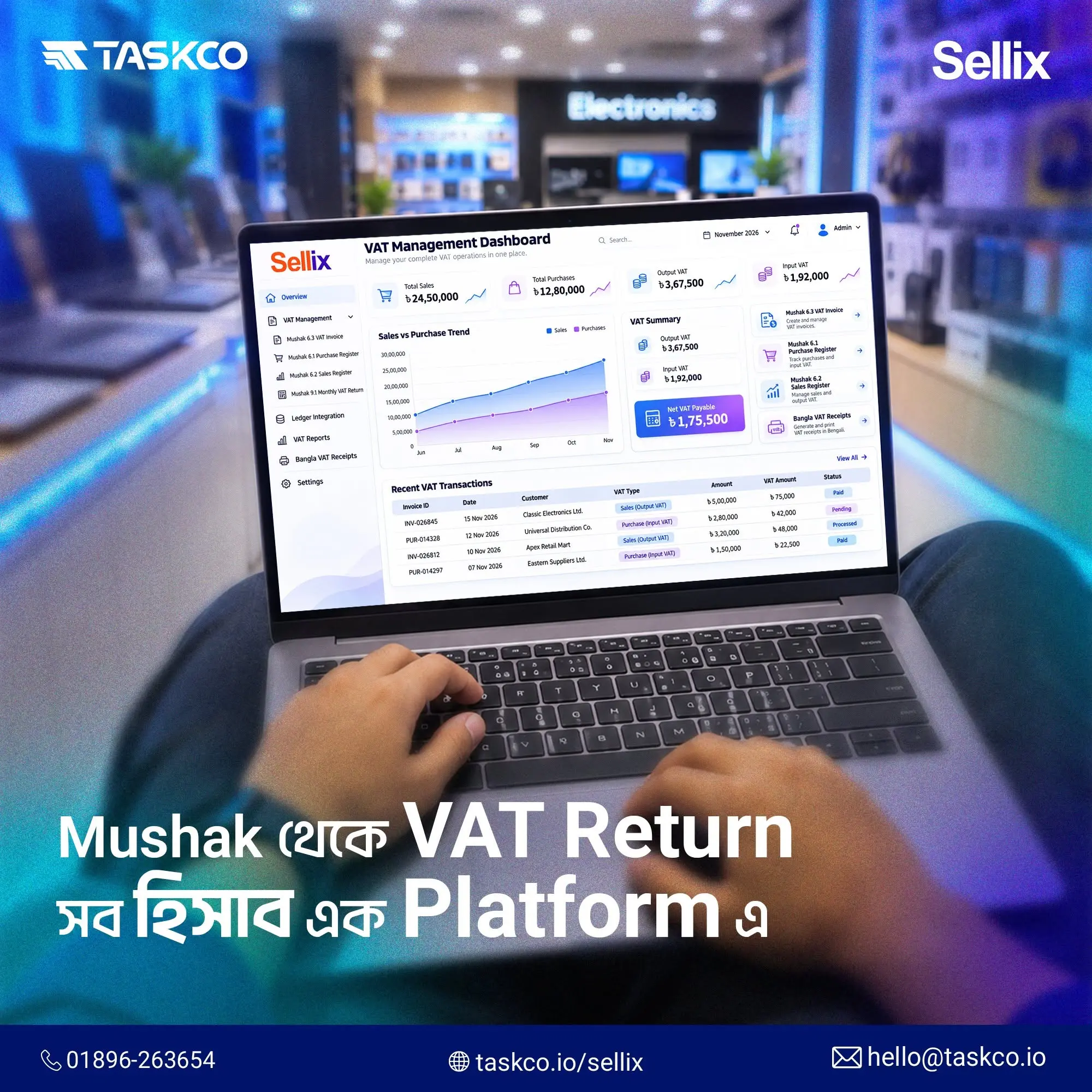
Sellix connects accounting capabilities such as general ledger, accounts receivable and payable, trial balance, financial statements and weighted-average cost of goods sold. Its compliance workflows include Mushak 6.3 invoices and relevant VAT registers, with Mushak 9.1 and 6.1/6.2 records supported according to plan.
These capabilities help organise information from connected sales and purchasing records. Retailers should still confirm their specific VAT obligations and filing requirements with a qualified professional.
5. Staff Control and Business Insights
As a shop becomes busier, owners cannot personally supervise every transaction. Sellix supports role-based permissions, manager approvals, cashier shift reconciliation and staff scorecards. Certain actions, such as large discounts, refunds, price changes and cash shortages, can require manager approval.
Sellix also provides real-profit insights at product and order level, AI-assisted operational information, Daily Briefings and Bangla and English Ask AI capabilities. These tools help owners review business activity without depending only on manual calculations.
For a retailer planning to expand, these capabilities make Sellix a strong store management software for small retail businesses that want to grow with better operational control.
Essential Features to Look for in Store Management Software for Small Retail Businesses
Not every shop needs an advanced enterprise platform. However, choosing software only because it offers basic billing can create limitations as the business grows. Consider these essential capabilities before making a decision.

POS and Billing Management
Look for fast checkout, barcode scanning, receipt generation, returns, discounts and payment recording. If your shop experiences unreliable internet, ask whether the POS can continue operating offline and how it synchronises transactions later.
Inventory Management
The system should maintain product records, stock quantities, low-stock alerts and purchase information. Retailers with multiple outlets should also check whether the software supports stock transfers and outlet-level stock visibility.
Customer and Credit Management
Customer records help retailers understand purchase history and manage repeat customers. If your shop sells on credit, look for customer credit limits, outstanding balance records, statements and payment reminders.
Purchasing and Supplier Records
Supplier information, purchase history, partial receiving and payable tracking can make purchasing more organised. These features are particularly useful when a shop works with several suppliers.
Reporting and Profit Tracking
A useful system should provide sales reports and meaningful financial information. Check whether it can show product-level profitability, cash reconciliation, stock movement and performance across outlets.
Employee Permissions and Security
Cashiers, managers, storekeepers and owners do not need identical access. Role-based permissions and approval controls help protect important business records and create accountability.
The best store management software for small retail businesses should provide the right combination of these capabilities without making daily operations unnecessarily complicated.
Benefits of Using Store Management Software for Small Retail Businesses
A connected platform can improve several areas of retail operations.
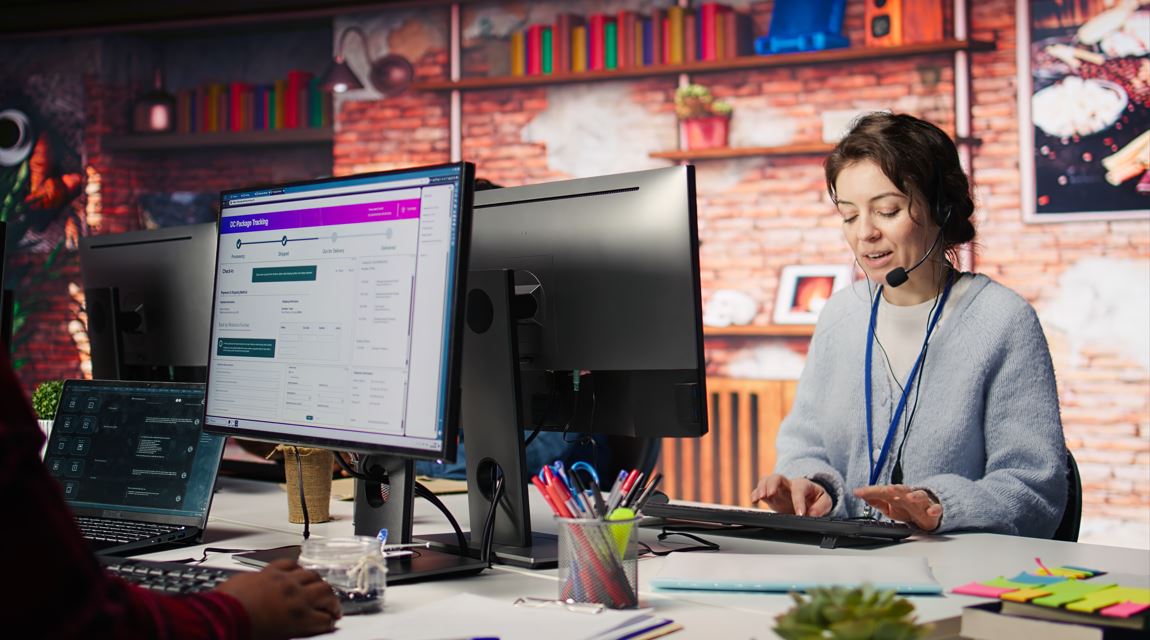
Less manual work: Sales, stock and purchasing records become easier to maintain when connected workflows reduce repeated data entry.
Better stock visibility: Owners can review available products and low-stock alerts, helping them make more informed purchasing decisions.
More organised billing: POS tools can make checkout faster and provide consistent transaction records.
Improved financial visibility: Connected accounting and profit reports help owners understand more than just total sales.
Stronger employee accountability: User permissions, approvals and shift reconciliation help retailers monitor sensitive activities.
A foundation for expansion: A system that supports additional outlets can reduce the need to rebuild business processes when the retailer grows.
These benefits explain why investing in store management software for small retail businesses can be valuable even before a shop becomes a large operation.
How to Choose the Right Store Management Software for Small Retail Businesses
Before selecting a platform, understand how your shop operates today and what it may need in the future.
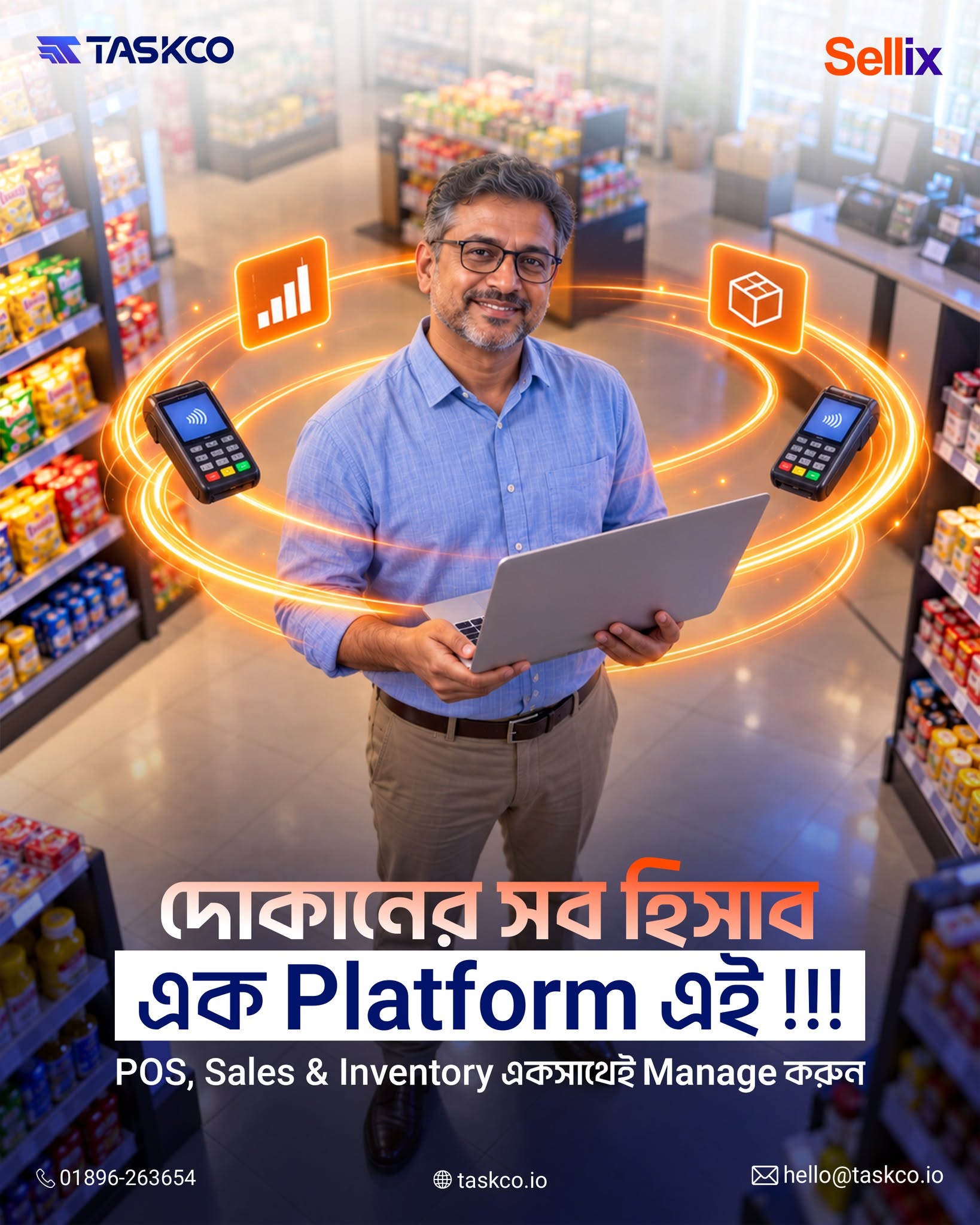
Identify your biggest operational problem. Decide whether billing, stock mismatch, supplier management, credit sales or financial reporting needs the most attention.
List your essential features. Separate must-have capabilities from features you may need later. This prevents paying for unnecessary complexity.
Check local compatibility. In Bangladesh, review support for local payment recording, VAT and Mushak workflows, Bangla usability and offline billing.
Consider your growth plans. If you may open another outlet, check whether the system supports outlet-level permissions, stock transfers and consolidated reporting.
Understand the total cost. Compare monthly subscription fees, setup charges, additional users, storage, hardware, integrations and training.
Request a demonstration. Test the actual checkout, inventory and reporting workflows using examples similar to your shop.
Review onboarding and support. Ask how product data will be imported, staff will be trained and operational issues will be handled.
Choosing store management software for small retail businesses should be a practical decision based on real workflows, not simply the number of features advertised.
How Much Does Store Management Software Cost?
The cost depends on the number of outlets, users, required modules, implementation and support. Some platforms charge monthly subscriptions, while others may include setup fees, hardware costs or paid integrations.
Sellix offers per-outlet plans for different business sizes:
Start: ৳1,490 per outlet per month, with a one-time setup fee of ৳10,000. Designed for small businesses.
Grow: ৳2,990 per outlet per month, with a one-time setup fee of ৳22,000. Designed for growing retailers.
Scale: ৳4,990 per outlet per month, with a one-time setup fee of ৳35,000. Designed for multi-outlet operations.
Enterprise: Custom pricing for larger groups requiring options such as private cloud, on-premise deployment or a one-time licence.
Prices exclude VAT, and features vary by plan. Sellix also offers a 14-day free trial according to its product profile. Confirm current plan details, add-ons and setup requirements with the provider before purchasing.
When comparing store management software for small retail businesses, calculate the full cost of ownership rather than looking only at the advertised monthly subscription.
Why Choose Sellix by Taskco Digital?
Sellix is a strong option for retailers who want to manage more than checkout and basic stock records. Its connected approach brings important retail workflows together while providing a path from a single shop to multiple outlets.
Key reasons to consider Sellix include:
Offline-first POS: Continue queuing sales during internet interruptions and synchronise when connectivity returns.
Connected stock and purchasing: Manage stock records, purchasing, supplier information and supported stock transfers.
Bangladesh-focused compliance workflows: Organise Mushak invoices and related VAT records through connected business data.
Operational control: Use manager approvals, staff permissions, shift reconciliation and staff scorecards.
Practical AI insights: Review stock forecasts, business briefings and Bangla or English business questions.
Flexible growth: Start with a suitable outlet plan and consider additional outlets or Enterprise deployment as operations expand.
For small retailers who have outgrown notebooks, spreadsheets or a basic billing tool, Sellix offers a more connected way to manage daily business activities. It is designed to help owners sell, control, automate and grow with greater confidence.
Managing a retail shop becomes more demanding as sales, inventory, suppliers, employees and customer expectations increase. Disconnected tools can create repeated work, stock errors and limited visibility into actual profitability. Choosing the right store management software for small retail businesses helps bring these activities into a more organised workflow.
Sellix by Taskco Digital stands out as a primary option for Bangladeshi retailers because it combines offline-first POS, inventory, purchasing, accounting, VAT-related records, employee controls and AI-powered insights. Whether you operate one shop or plan to expand, choose a platform that supports your current needs and future growth.
Get started with Sellix by Taskco Digital. Book a Demo!
Website: https://taskco.io/sellix/
Contact: +880 1896-263654