Best POS Software for Super Shops in 2027
Discover the best POS software for super shops in 2027. Manage billing, inventory, expiry and sales with Sellix.
-6af4203d74d25.jpg)
Selecting the best POS software enables super shops to streamline daily transactions, maintain accurate inventory records, oversee purchases, and manage overall business operations with greater efficiency. As customer expectations increase and retail businesses expand, managing hundreds or thousands of products manually becomes more challenging. Billing delays, stock mismatches, expired products and unorganized purchase records can affect profitability and customer satisfaction. A modern POS system helps super shops connect these activities through one platform, making daily operations faster, more organized and easier to control.
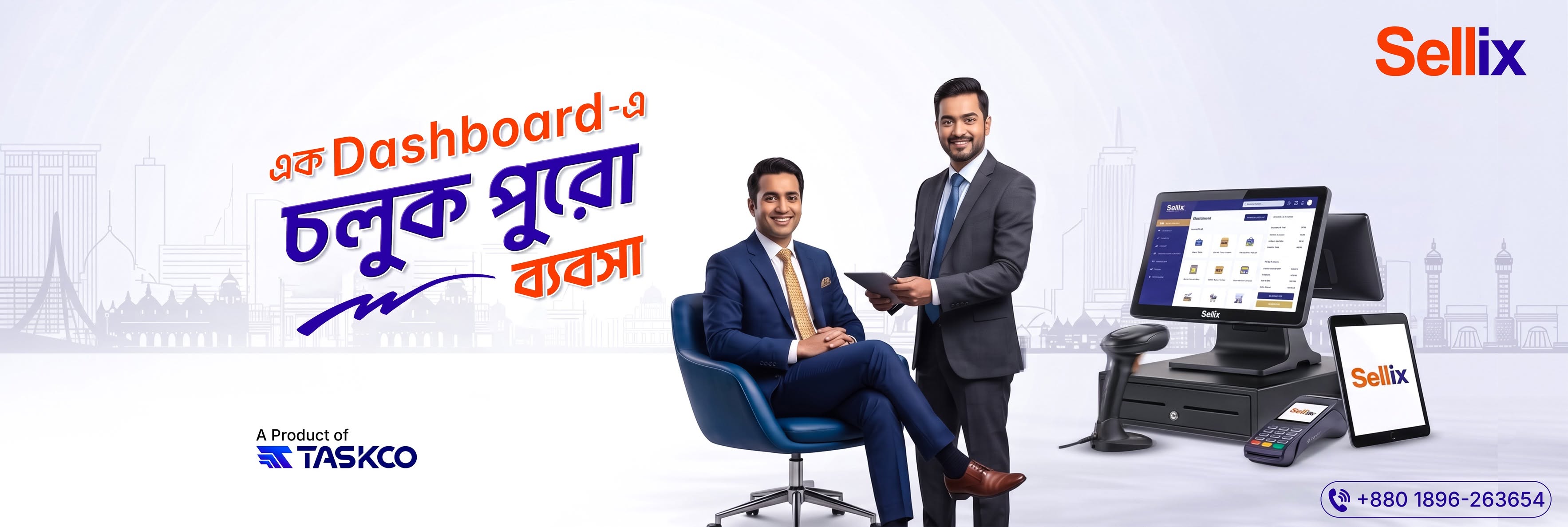
In 2027, super shops need more than a basic billing solution. They need a complete retail management system that connects sales, inventory, purchasing, suppliers, accounting and multiple outlets. This guide explains the essential features of super shop POS software, how to choose the right solution and how Sellix by Taskco Digital can help retailers manage their businesses more effectively.
What Is POS Software for Super Shops?
POS software, or Point of Sale software, is a digital system used to process sales transactions and manage related retail activities. In a super shop, employees use it to scan products, calculate bills, accept payments and record transactions.
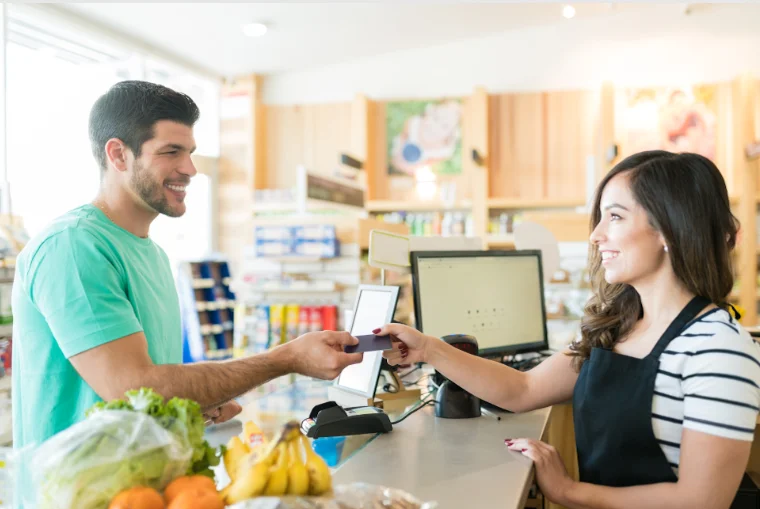
However, the best POS software does much more than generate invoices. It connects billing with inventory management, purchase records, supplier information and sales reporting.
For example, when a customer purchases grocery products, the cashier scans their barcodes and generates the bill. Once the transaction is completed, the system records the sale and updates the relevant stock information. Managers can then review sales and inventory reports to understand business performance.
This connected process makes super shop POS software an important tool for managing high-volume retail operations.
Why Do Super Shops Need the Best POS Software in 2027?
Super shops handle multiple product categories, frequent customer transactions and regular stock replenishment. Without a proper management system, these activities can become difficult to control.
Here are some common challenges that make the best POS software important for modern super shops.
1. Long Billing Queues and Slow Checkout
During busy hours, customers expect quick and accurate service. Manual billing and repeated product entry can increase checkout time and create long queues.
A modern POS system supports barcode scanning, automatic price calculation and faster invoice generation. It helps cashiers process transactions efficiently and improves the customer checkout experience.
2. Stock Mismatch and Inventory Errors
Super shops manage products from different brands, categories and suppliers. Manually updating stock after every sale or purchase can lead to inaccurate inventory records.
The best POS software connects sales transactions with inventory records, helping businesses maintain updated stock information and reduce manual errors.
3. Product Expiry and Stock Loss
Grocery and food products often have limited shelf lives. If businesses cannot monitor product expiry dates properly, expired products may remain in storage or on shelves.
A suitable inventory management system helps retailers track product batches and expiry information, allowing them to take timely action and reduce avoidable losses.
4. Complicated Purchase and Supplier Management
Super shops regularly purchase products from multiple suppliers. Managing purchase records, incoming stock and supplier information separately can create confusion.
A connected purchase management system helps organize supplier records and purchase activities, making stock replenishment easier to manage.
5. Limited Business Performance Visibility
Sales revenue alone does not provide a complete picture of business performance. Owners need to review purchases, expenses, stock movement and outlet-level performance.
The best POS software provides organized reports that help business owners understand their operations and make informed decisions.
Essential Features of the Best POS Software for Super Shops
Before selecting a POS system, super shop owners should understand which features are necessary for their daily operations.

1. Fast POS Billing and Barcode Scanning
Fast checkout is one of the most important requirements for a super shop. Barcode scanning helps cashiers identify products quickly and reduces manual data entry.
A reliable POS system should include:
Barcode-based product identification
Automatic price calculation
Discount management
Multiple payment methods
Fast invoice generation
Sales history and transaction records
These features help reduce billing delays and improve checkout efficiency. The best POS software should make the entire billing process simple and accurate.
2. Real-Time Inventory Management
Inventory management is essential when a super shop handles a large product catalog. Retailers need to know which products are available, which are running low and how stock changes after sales and purchases.
Important inventory features include:
Real-time stock updates
Product and category management
Barcode and SKU management
Stock adjustment and transfer
Low-stock notifications
Product variant management
With the best POS software, managers can access updated inventory information and maintain better control over product availability.
3. Purchase and Supplier Management
Purchasing is a regular activity for super shops. A proper system helps retailers organize supplier information, record purchases and monitor incoming stock.
A useful purchase management solution should support supplier records, purchase history, incoming stock records and supplier-related transactions.
Connecting purchasing with inventory helps businesses maintain better stock visibility and reduces repeated manual entry.
4. Batch and Expiry Management
Expiry tracking is particularly important for grocery stores and supermarkets. Retailers need to monitor products with limited shelf lives to reduce expiry-related losses.
The best POS software for grocery-focused super shops should support batch and expiry information so employees can identify products that require attention.
5. Sales Reports and Accounting
Sales reports help super shop owners understand their business performance. Instead of depending on handwritten records or separate spreadsheets, management can review organized information.
Useful reporting capabilities include:
Daily, weekly and monthly sales reports
Product-wise sales performance
Purchase records
Profit and loss visibility
Outlet-level reporting
Accounting information
A reliable POS solution turns daily transactions into useful business insights.
6. Multi-Outlet Management
Growing super shop businesses may operate multiple branches. Managing each outlet separately makes it difficult to maintain consistent business operations.
Multi-outlet management helps owners monitor branch-level activities and maintain better visibility over sales and inventory.
For retail chains, the best POS software should support centralized business visibility while helping individual outlets manage their daily operations.
7. Offline Billing Support
Internet connectivity can sometimes become unreliable. A billing system that depends entirely on a stable connection may interrupt checkout operations.
Offline-first billing allows supported transactions to continue during internet disruptions, with data synchronization when connectivity returns.
This feature makes a POS solution more practical for super shops that need consistent billing operations.
How to Choose the Best POS Software for Your Super Shop
Not every POS system is suitable for every retail business. Before investing in a solution, super shop owners should evaluate their actual operational requirements.
Understand Your Business Requirements
Identify your biggest challenges first. Do you need faster billing, accurate inventory, expiry tracking, purchase management or multi-branch control? Select a system that addresses these needs.
Check Inventory and Purchasing Capabilities
Billing alone is not enough for a super shop. Choose a platform that connects sales, inventory and purchasing. This helps management maintain stock records and understand product movement.
Evaluate Reports and Accounting
Review whether the system provides useful sales reports, purchase records and financial visibility. These reports help owners understand business performance.
Consider Ease of Use
Cashiers and store employees should be able to learn the system without complicated training. An easy interface can improve productivity and reduce operational mistakes.
Review Pricing and Scalability
Compare subscription costs, included features, support services and additional charges. Also consider whether the system can support more products, employees and outlets as your business grows.
Ultimately, the best POS software should fit your current requirements and support your future business expansion.
Introducing Sellix: Complete Retail Management Software by Taskco Digital
Sellix is an all-in-one retail management platform developed by Taskco Digital. It brings essential retail operations together, including POS billing, inventory management, purchasing, supplier management, sales reporting and multi-outlet management.
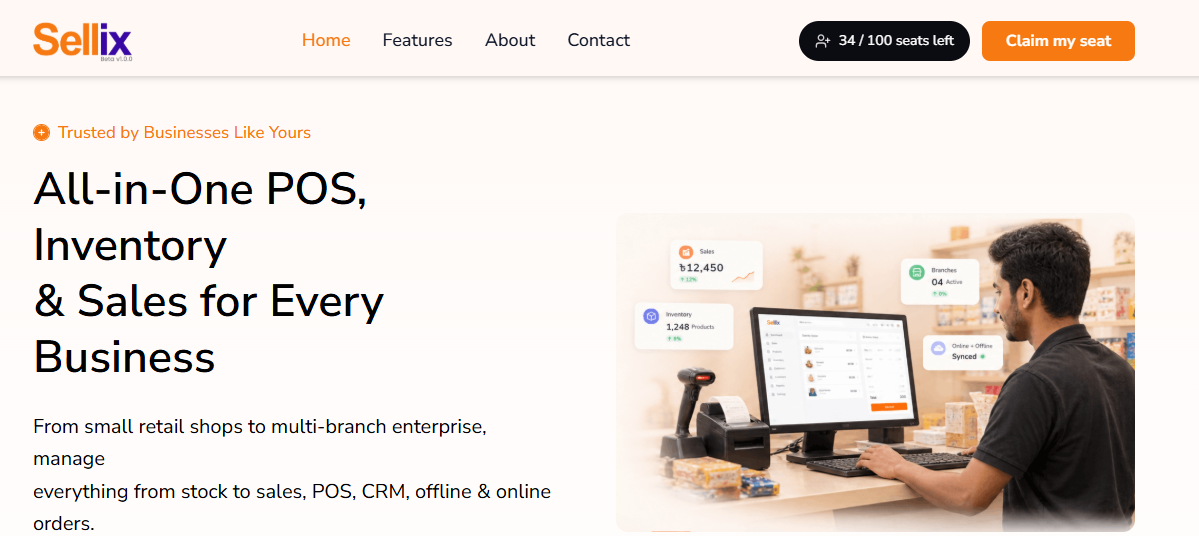
Instead of using separate tools for billing, stock tracking and business reporting, retailers can manage connected activities through one platform.
For super shops looking for the best POS software, Sellix offers a combination of billing, inventory and retail management capabilities.
How Does Sellix Work for Super Shops?
Sellix connects important business activities through a structured workflow.
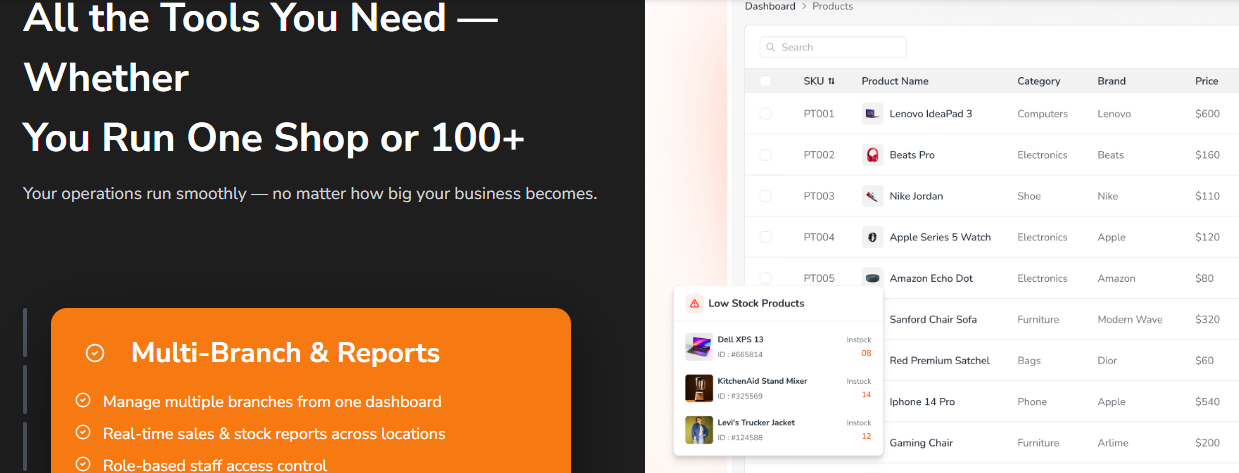
1. Add and Organize Products
Businesses can organize their product catalog with relevant product information, categories, prices and barcode details. This makes product identification and billing easier.
2. Process Sales Through POS
Cashiers can scan products, generate bills and process customer payments through the POS system. Sellix supports payment options including cash and mobile financial services such as bKash, Nagad and Rocket.
3. Track Inventory and Stock Movement
Sales transactions connect with inventory records, helping businesses maintain updated stock information. Retailers can also manage product batches and expiry information.
4. Manage Purchases and Suppliers
Super shops can organize purchasing activities and supplier information. This helps management maintain purchase records and monitor incoming stock.
5. Review Sales and Business Reports
Business owners can review sales and accounting information to understand business performance and make informed decisions.
6. Manage Multiple Outlets
For businesses operating multiple branches, Sellix supports multi-outlet management and provides better visibility into outlet-level operations.
Manage Your Super Shop More Efficiently with Sellix
Choosing the best POS software means finding a platform that supports more than basic billing. Super shops need connected tools to manage products, stock, purchases and sales.
Sellix by Taskco Digital offers several capabilities:
Fast POS & Billing: Process customer transactions efficiently.
Real-Time Inventory: Maintain updated stock information.
Purchase & Supplier Management: Organize purchasing and supplier records.
Batch & Expiry Tracking: Monitor product batches and expiry information.
VAT Management: Support VAT-related retail operations, including Mushak 6.3 functionality.
Sales Reports & Accounting: Review business performance and financial information.
AI Restock: Use AI-supported restock insights to help plan inventory replenishment.
Multi-Outlet Management: Manage business activities across multiple outlets.
IMEI & Warranty Management: Support product tracking for relevant electronics and mobile retail categories.
These capabilities make Sellix a practical option for super shops that want to organize daily operations through one connected retail management platform.
Which Super Shop Businesses Can Benefit from POS Software?
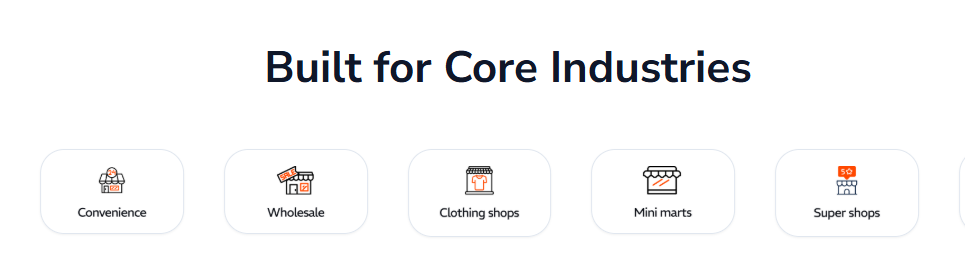
The best POS software can support different types of super shops and organized retail businesses.
Grocery Stores and Supermarkets
Grocery businesses manage a wide range of products, frequent purchases and expiry-sensitive inventory. POS billing, stock tracking and expiry management help simplify daily operations.
Mini Super Shops
Small and medium-sized super shops need efficient billing and inventory control without unnecessary complexity. A suitable POS solution helps manage daily sales and product availability.
Departmental Stores
Departmental stores sell products from multiple categories. Product categorization, barcode scanning and sales reporting help organize their operations.
Chain Super Shops
Retail chains require visibility across multiple branches. Multi-outlet management helps owners monitor sales and stock activities across locations.
Common Mistakes to Avoid When Selecting POS Software
Choosing a system without evaluating its capabilities can create problems later. Avoid these common mistakes:
Choosing only based on price: A low-cost system may not include essential inventory or reporting features.
Ignoring expiry tracking: This can create problems for grocery and food-related businesses.
Overlooking offline support: Internet interruptions can affect billing if the system lacks suitable offline functionality.
Not checking scalability: A system should support business growth and additional outlets.
Ignoring customer support: Reliable technical assistance is important when billing or inventory issues occur.
Before choosing the best POS software, request a product demonstration and evaluate the system using your actual business workflow.
Choose the Best POS Software for Your Super Shop in 2027
Managing a super shop requires more than recording sales. Businesses need accurate inventory, organized purchasing, faster billing, expiry tracking and clear business reports.
The best POS software connects these operations and helps retailers reduce manual work, improve stock visibility and make better business decisions.
Sellix by Taskco Digital brings POS billing, inventory, purchasing, supplier management, sales reporting and multi-outlet capabilities into one retail management platform.
If you want to improve your super shop operations in 2027, explore Sellix and see how a connected retail management solution can support your business.
Book Your Free Sellix Demo Today!