Best POS Software for Grocery Shops in 2027
Find the best POS software for Grocery Shops in 2027. Explore billing, stock, expiry, purchasing and outlet management with Sellix by Taskco Digital.
Finding the best POS software for Grocery Shops is essential for retailers who want to manage daily sales, inventory, purchasing and customer transactions efficiently. Grocery shops handle hundreds or thousands of products, frequent stock movements, different product prices and expiry-sensitive items.
Managing everything manually can lead to billing errors, stock shortages, product wastage and financial losses. In 2027, grocery retailers need more than a basic billing system. They need a connected retail management solution that helps control everyday operations and supports business growth. Sellix by Taskco Digital brings POS billing, inventory, purchasing, supplier management, accounting and AI-assisted business insights together in one platform.
What Is POS Software for Grocery Shops?
POS (Point of Sale) software is a digital system that helps businesses process customer transactions and manage sales activities. However, the best POS software for Grocery Shops should do much more than generate receipts. It should connect billing with inventory, purchasing, suppliers and financial records.
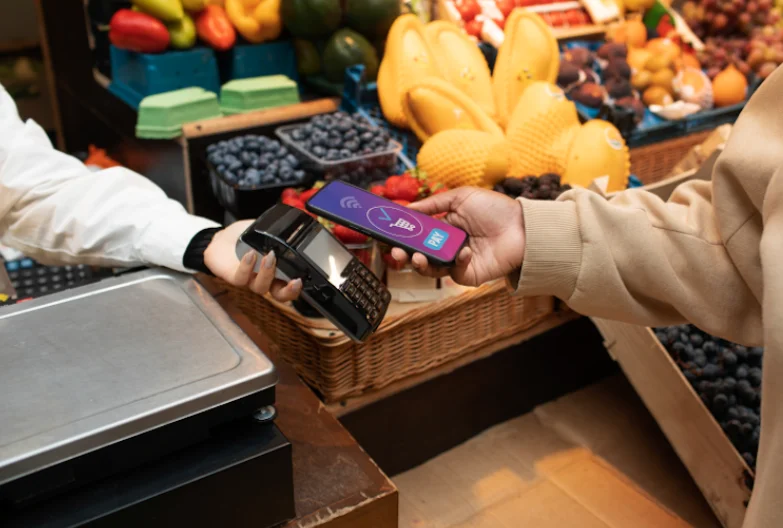
For example, when a customer purchases rice, cooking oil, milk and biscuits, the cashier can scan the products and generate an invoice. The transaction is recorded, and the related inventory information is updated through the connected system.
A grocery POS system helps shop owners maintain organized product information, monitor stock movement and review business performance without depending entirely on paper registers or spreadsheets.
How Does Grocery POS Software Work?
A typical grocery POS workflow includes:
Product setup: Add product names, categories, prices, barcodes and stock information.
Customer checkout: Scan barcodes or select products to prepare invoices.
Payment processing: Record cash, card, mobile payments or supported split payments.
Inventory updates: Connect completed sales with stock records.
Business reporting: Review sales, stock movement and financial information.
This connected workflow makes the best POS software for Grocery Shops useful for both small grocery stores and larger supermarkets.
Why Do Grocery Shops Need POS Software in 2027?
Grocery businesses operate in a fast-moving retail environment. Products sell at different rates, prices change, and some items have limited shelf lives. Managing these activities manually becomes increasingly difficult as the product catalogue and customer volume grow.
Here are some common challenges grocery retailers face.
1. Managing Hundreds of Products
A grocery shop may sell hundreds of products across categories such as food, beverages, personal care and household essentials. Maintaining product details and stock quantities manually takes time and increases the possibility of mistakes.
The best POS software for Grocery Shops should provide a centralized product catalogue where retailers can organize product names, categories, prices, barcodes and available quantities.
2. Preventing Stock Shortages and Overstocking
Stock shortages can result in missed sales, while excessive purchasing can tie up working capital. Without accurate stock records, shop owners may not know which products need replenishment.
A grocery POS system connects sales and inventory information, helping retailers monitor stock movement and identify products that require attention.
3. Monitoring Product Expiry Dates
Grocery retailers handle products with different expiry dates. If older stock remains behind newer stock, products may expire before they are sold.
Batch and expiry management, together with FEFO (First Expired, First Out), helps retailers identify expiry-related risks and prioritize products with earlier expiry dates.
4. Reducing Billing Time
Customers expect quick checkout, especially during busy hours. Manual price entry and repeated calculations can slow down billing and create long queues.
Barcode-based checkout helps cashiers identify products quickly, prepare invoices and serve customers more efficiently. This is one of the reasons retailers look for the best POS software for Grocery Shops with fast billing capabilities.
5. Managing Credit Sales and Supplier Payments
Some grocery shops regularly sell products to known customers on credit. If these transactions are recorded only in paper notebooks, tracking outstanding balances becomes difficult.
Digital customer credit records and organized supplier information help shop owners maintain better control over business transactions.
Key Features of the Best POS Software for Grocery Shops
Not every POS system is designed for grocery operations. Before selecting one, retailers should evaluate whether it supports their daily billing, inventory and purchasing requirements.

1. Fast POS Billing and Barcode Scanning
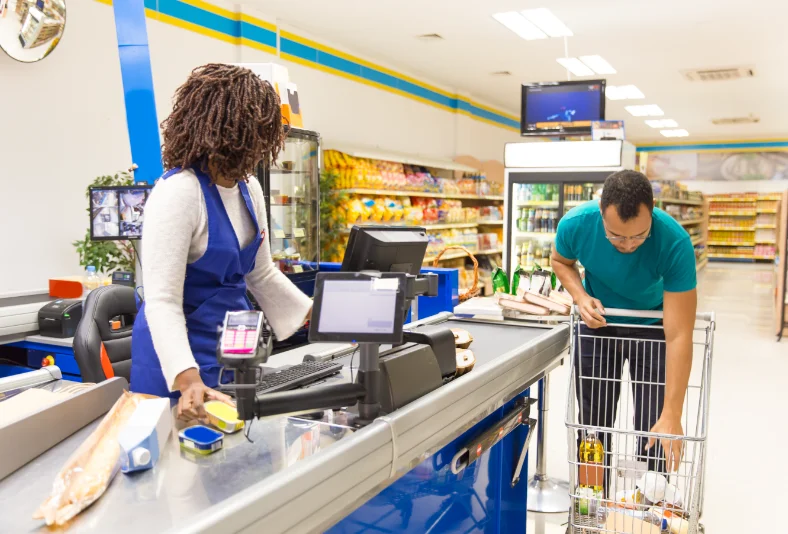
Fast billing is essential for grocery shops with frequent customer transactions. Barcode scanning allows cashiers to add products to a bill without manually searching for every item.
Important capabilities include:
Barcode and multi-barcode scanning.
Quick product selection.
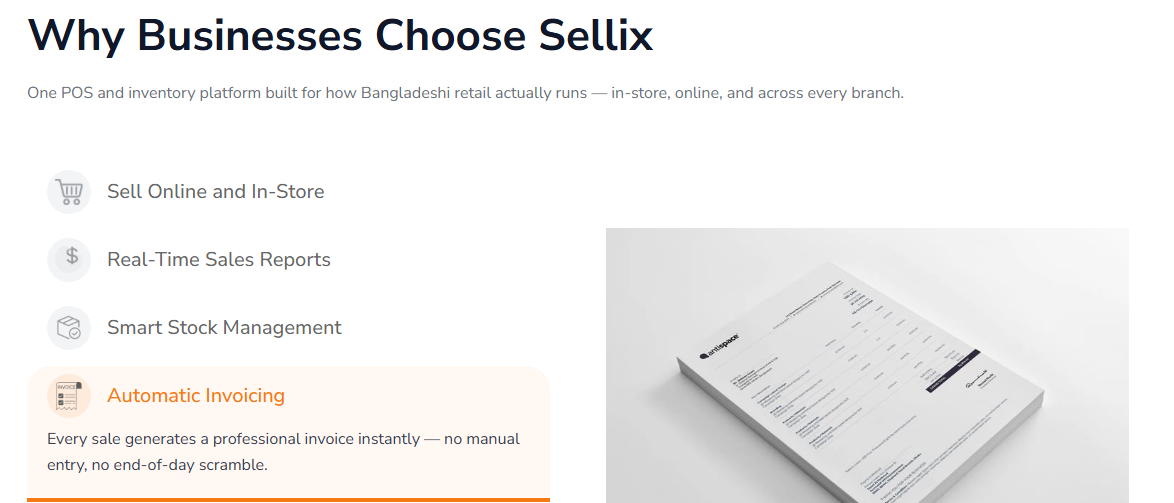
Automatic invoice generation.
Returns and refund management.
Cash, card and mobile payment recording.
The best POS software for Grocery Shops should make checkout simple while maintaining accurate transaction records.
2. Inventory and Stock Management
Inventory management is one of the most important parts of grocery retail operations. Shop owners need to know how much stock is available, which products are selling and when replenishment may be necessary.
Useful capabilities include:
Product-wise stock tracking.
Low-stock alerts.
Purchase and stock receiving records.
Stock transfers between outlets.
Stock movement visibility.
With connected inventory information, grocery retailers can reduce manual recordkeeping and make more informed purchasing decisions. This is a key requirement when comparing the best POS software for Grocery Shops.
3. Batch, Expiry and FEFO Management
Expiry management is especially important for grocery shops that sell packaged food, beverages and other date-sensitive products.
Batch tracking helps retailers maintain product batch information and expiry dates. FEFO management prioritizes stock with the earliest expiry date for selling first.
The best POS software for Grocery Shops should help retailers identify products approaching expiry and take action before stock becomes unsellable.
4. Weighing-Scale and Wholesale Billing
Many grocery stores sell products by weight and serve both retail and wholesale customers. Their billing system should support the way they actually sell products.
Important capabilities include:
Weighing-scale billing workflows.
Retail and wholesale price levels.
Quantity-based wholesale price breaks.
Product and price management.
Split and part payments.
These capabilities help grocery retailers manage different customer requirements without maintaining disconnected billing processes.
5. Purchase and Supplier Management
Grocery shops regularly purchase products from multiple suppliers. Without organized purchasing records, it can be difficult to review supplier transactions, incoming stock and outstanding payments.
A suitable POS system should help retailers maintain supplier information, record purchases, manage receiving activities and review supplier-related financial records.
The best POS software for Grocery Shops should connect purchasing with inventory so retailers can maintain better visibility over incoming products and supplier transactions.
6. Sales Reports and Financial Visibility
Daily sales figures do not always show the complete financial performance of a grocery business. Owners also need to understand product costs, expenses, outstanding dues and profitability.
Look for sales reports, accounting capabilities, cash reconciliation and product-level profit information. These records help owners evaluate business performance and make informed decisions.
7. Multi-Outlet Management
Grocery businesses that operate multiple branches need a centralized way to monitor sales and stock across locations.
Multi-outlet management can help owners review branch-wise inventory, sales performance and stock transfers. This is especially useful when the owner cannot visit every outlet daily.
Meet Sellix and How Sellix Simplifies Grocery Shop Management?
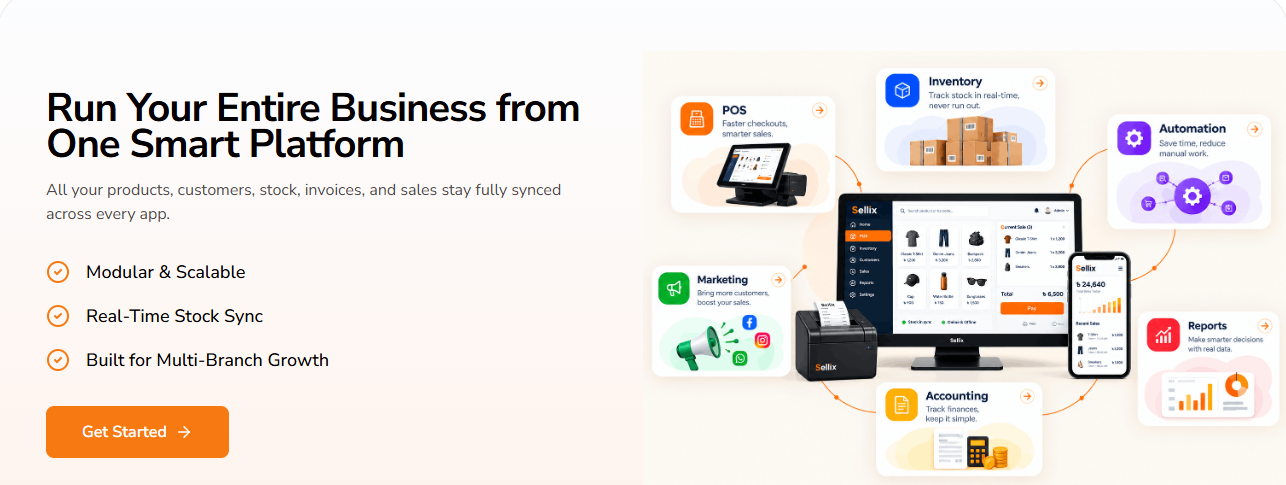
Sellix is an AI-driven retail management and POS platform developed by Taskco Digital. It connects POS billing, inventory, purchasing, suppliers, accounting, VAT/Mushak, customers and workforce management through one platform.
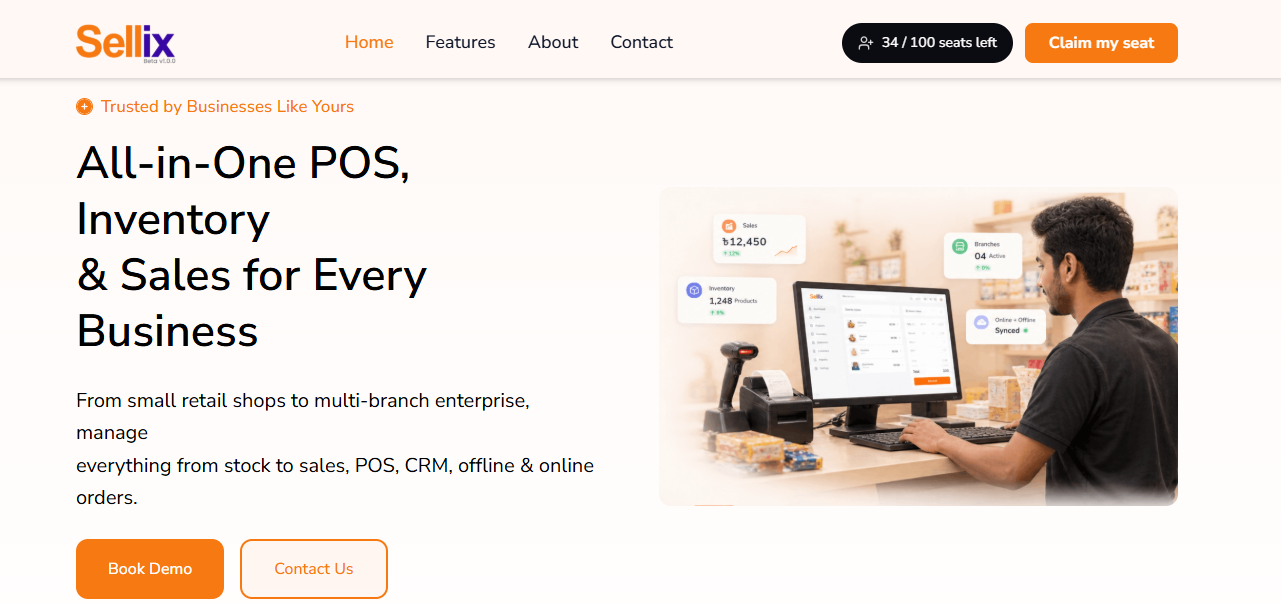
For grocery retailers, Sellix brings together several important activities that are often managed separately. Instead of using one tool for billing, another for stock and spreadsheets for purchasing records, retailers can manage connected business operations through Sellix.
When evaluating the best POS software for Grocery Shops, retailers should consider whether the system supports their complete workflow, not just checkout. Sellix is designed to connect these everyday retail activities.
How Does Sellix Work for Grocery Shops?
A grocery retailer can use Sellix through a connected workflow:
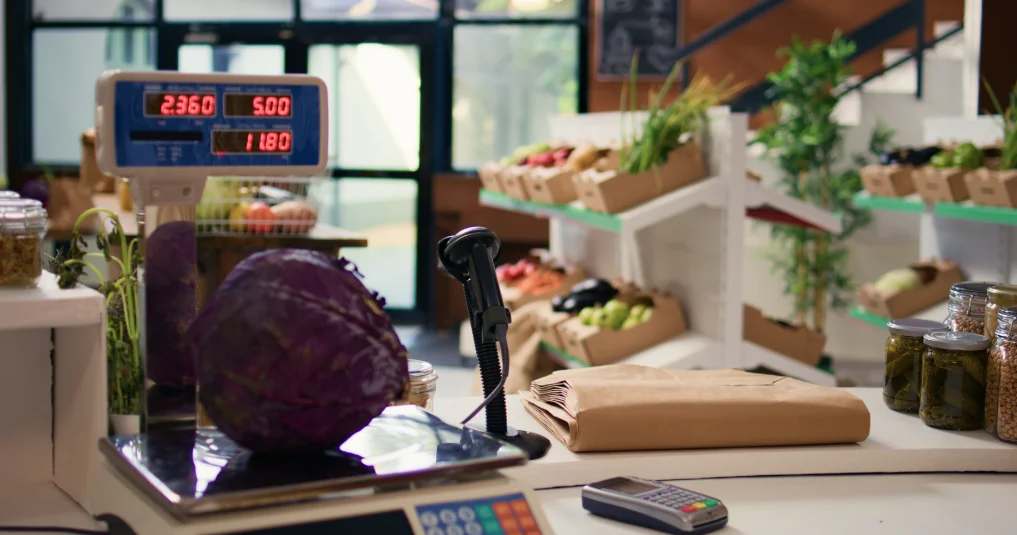
Add products: Organize product information, categories, prices and barcodes.
Process sales: Use the POS to scan products, prepare invoices and record payments.
Manage inventory: Connect sales with stock records and monitor product availability.
Record purchases: Maintain purchase and supplier information as new stock arrives.
Monitor performance: Review sales, accounting and business information.
Plan restocking: Use AI-assisted forecasts and low-stock information to support replenishment decisions.
This workflow helps make Sellix a practical option for retailers searching for the best POS software for Grocery Shops in Bangladesh.
Important Sellix Features for Grocery Businesses
Barcode and Weighing-Scale Billing
Sellix supports barcode-based billing and grocery-oriented weighing-scale billing workflows. These capabilities help cashiers process product sales at the counter.
Inventory and FEFO Management
Sellix supports inventory tracking, batch and expiry management, and FEFO picking from the selling outlet. These capabilities help grocery retailers organize stock and manage expiry-related risks.
AI Forecast and Restock Alerts
Sellix provides AI-assisted forecasting, days-of-cover information, reorder points, suggested quantities and low-stock alerts. Retailers can use these insights to plan replenishment more effectively.
Purchasing and Supplier Records
Sellix connects purchasing activities with supplier information and stock management. This helps retailers maintain organized records of incoming products and supplier transactions.
Retail and Wholesale Pricing
Grocery retailers serving different customer groups can use retail and wholesale pricing capabilities, including price levels based on customer segments or minimum wholesale quantities.
Multi-Outlet Management
Sellix supports centralized outlet management, branch-level stock visibility and stock transfers. This helps growing grocery businesses monitor multiple locations.
Bangladesh-Ready Payment and VAT Features
Sellix supports payment recording for bKash, Nagad, Rocket and card payments. It also provides Mushak 6.3 invoicing and related VAT registers and records within its supported workflows.
These capabilities make Sellix worth considering when comparing the best POS software for Grocery Shops for a growing retail business.
Choosing a POS System That Fits Your Grocery Business Needs
Choosing the POS software for Grocery shops is a business decision, not just a software purchase. Before selecting a solution, evaluate how well it fits your shop's actual operations.
Check Grocery-Specific Features
Make sure the system supports barcode billing, product management, weighing-scale workflows, expiry tracking and wholesale pricing where required.
Evaluate Inventory Accuracy
Ask how the software records purchases, sales, stock changes and transfers. Test whether inventory information is easy to review.
Review Payment and VAT Requirements
Check support for the payment methods your customers use and confirm that the system's VAT features match your business requirements.
Understand Pricing and Setup
Review monthly fees, setup charges, user limits, outlet limits, hardware requirements and support arrangements before making a decision.
Request a Practical Demo
Do not judge a POS system only by its presentation. Test it using your own grocery products, barcodes, prices, purchase records and typical customer transactions.
The best POS software for Grocery Shops should fit your daily workflow and remain useful as your business grows.
Manage Your Grocery Business Better with Sellix
Sellix is designed for growing retail businesses that need more than a basic billing tool. It brings sales, inventory, purchasing, suppliers, accounting and outlet management into one connected retail platform.
For grocery retailers, its relevant capabilities include:
Barcode and weighing-scale billing workflows.
Inventory, batch and expiry management.
FEFO stock handling.
AI-assisted stock forecasting and restock suggestions.
Purchasing and supplier management.
Retail and wholesale pricing.
Customer credit management.
Multi-outlet business visibility.
Sales reporting and accounting capabilities.
Whether you operate a neighbourhood grocery shop, a mini-mart or a growing supermarket business, Sellix can help organize important retail operations through one platform.
If you are comparing the best POS software for Grocery Shops in Bangladesh, explore Sellix by Taskco Digital and see how its connected retail features fit your business requirements.
How Sellix Helps Grocery Shops Grow
Grocery retail requires continuous attention to billing, inventory, expiry dates, purchasing and customer transactions. Managing these activities manually can become increasingly difficult as the business grows.
The best POS software for Grocery Shops should connect these daily operations, improve stock visibility and help owners make informed business decisions. Features such as barcode billing, FEFO inventory management, supplier records, AI-assisted restocking and multi-outlet control can make a meaningful difference.
Sellix by Taskco Digital brings these capabilities together in one retail management platform. Before choosing a solution for 2027, evaluate your business requirements, test the software with real products and select a system that can support your next stage of growth.