Best POS Software for Electronics Businesses in 2027
Best POS software for electronics businesses in 2027. Manage billing, IMEI, warranty and inventory with Sellix.
-6af418c5c330e.jpg)
Choosing the best POS software is essential for electronics businesses that want to manage sales, inventory, product information and customer transactions efficiently. From smartphones and laptops to televisions, home appliances and accessories, electronics retailers handle products with different models, specifications, serial numbers and warranty conditions. Managing these operations manually can lead to stock mismatches, billing errors and unorganized product records. A modern POS system helps bring these activities together, giving retailers better control over their daily operations and business performance.
Whether you operate a mobile shop, computer store, electronics showroom or multiple retail outlets, the best POS software can make everyday business management easier.
In this guide, we will explore the essential features of electronics POS software, the challenges retailers face and how Sellix by Taskco Digital helps manage sales, inventory, IMEI, serial numbers and warranty information through one connected platform.
Why Do Electronics Businesses Need the Best POS Software in 2027?
Electronics retail has different operational requirements compared to many other retail businesses. A single shop may sell smartphones, chargers, headphones, laptops, televisions and other accessories. Each product category requires accurate stock information and organized sales records.
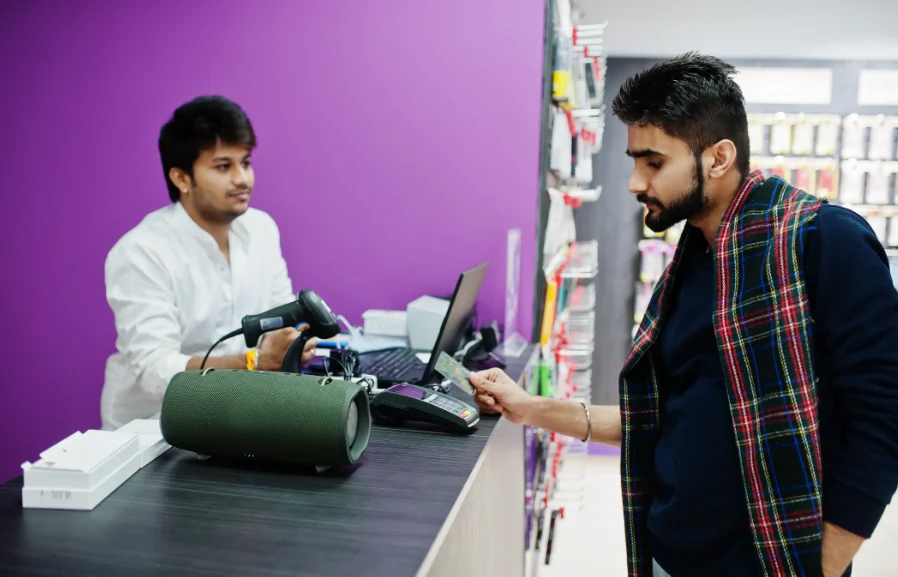
Managing these activities through notebooks or spreadsheets can create several challenges.
Managing IMEI and Serial Numbers
Mobile phones and electronic devices often have unique IMEI or serial numbers. Retailers need to identify which specific unit was purchased or sold. Without organized records, finding product information during customer inquiries or warranty claims can become difficult.
Tracking Product Warranties
Electronics products may come with different warranty periods depending on the brand, product and supplier. Retailers need to maintain accurate warranty information to respond to customer questions and retrieve relevant product details.
Avoiding Inventory Mismatches
Electronics shops often maintain products with different models, storage capacities, colours and configurations. Manual stock updates can lead to incorrect quantities and confusion about product availability.
Managing Purchase Costs and Suppliers
Electronics retailers regularly purchase products from different distributors and suppliers. Keeping purchase records, supplier information and product costs organized is important for maintaining stock and monitoring business expenses.
Understanding Sales and Profitability
High sales revenue does not always mean high profit. Retailers need visibility into sales, expenses, purchase costs and financial records to understand how their business is performing.
Using the best POS software helps bring these activities into a more organized workflow instead of depending on disconnected tools.
What Is POS Software for Electronics Businesses?
POS software, or Point of Sale software, is a digital system that helps businesses process customer transactions and manage sales activities. Modern retail POS solutions can do much more than generate invoices.

For electronics retailers, a complete best POS software should connect billing, product inventory, purchasing, serial number records, warranty information and business reporting.
The best POS software for an electronics shop should help employees complete sales efficiently while allowing business owners to maintain accurate product and financial records.
For example, when a customer purchases a smartphone, the retailer can record the transaction, identify the specific device through its IMEI or serial number and maintain relevant sales information. This makes it easier to retrieve product details later.
A connected system also helps retailers maintain better visibility into available stock and daily business activities.
10 Essential Features of the Best POS Software for Electronics Shops
Best POS software is designed for the operational requirements of electronics retailers. Before choosing a solution, consider these important features.

1. Fast POS Billing and Invoice Management
Billing is one of the most frequent activities in an electronics shop. A slow checkout process can affect customer experience, especially during busy hours.
Look for the best POS software that supports:
Fast product selection and billing.
Barcode scanning.
Organized invoice generation.
Accurate product pricing.
Clear transaction records.
The best POS software should make daily checkout easier while helping staff maintain consistent sales records.
2. IMEI and Serial Number Tracking
This is one of the most important features for mobile and electronics retailers.
Every device may have a unique identification number. A system with IMEI and serial number management helps retailers maintain individual product records.
For example, when selling a smartphone, the retailer needs to identify the particular unit being sold rather than simply reducing the general product quantity.
A proper tracking process can help with:
Identifying individual devices.
Maintaining product-level sales records.
Finding relevant transaction information.
Organizing device information for future reference.
When evaluating the best POS software, electronics retailers should give special attention to this capability.
3. Warranty Information Management
Warranty information is important for maintaining customer trust and organized after-sales records.
Electronics retailers may sell products with different warranty conditions. Keeping these details in separate notebooks or spreadsheets can make information difficult to retrieve.
Warranty information management helps retailers organize relevant product warranty details alongside product records. This can support easier customer inquiries and more organized warranty-related operations.
4. Real-Time Inventory Management
Inventory accuracy is essential for electronics businesses. Retailers need to know which products are available, which models are running low and which items need replenishment.
An effective inventory management system should help businesses:
Monitor product quantities.
Organize product categories and models.
Track stock movements.
Maintain updated stock information.
Reduce manual inventory work.
The best POS software connects sales activities with inventory information so retailers can maintain better stock visibility.
5. Product and Variant Management
Electronics products often have multiple variations. For example, the same smartphone model may be available in different storage capacities and colours.
Retailers should be able to organize product information clearly, including product names, models, categories and available variants.
This helps employees identify the correct item during billing and makes product management easier.
6. Purchase and Supplier Management
Electronics retailers depend on suppliers and distributors to maintain product availability.
A connected purchasing system can help organize supplier information, purchase records and incoming stock.
Important capabilities include:
Maintaining supplier information.
Organizing purchase records.
Tracking incoming products.
Reviewing purchasing activities.
Connecting purchases with inventory management.
The best POS software should support both selling products and managing how those products enter the business.
7. Sales Reports and Accounting
Retailers need to understand more than the number of products sold. They also need to monitor revenue, expenses and financial performance.
Sales reports and accounting capabilities help business owners review transactions and understand business activities.
With organized reporting, retailers can make more informed decisions about product purchases, pricing and business operations.
8. Multi-Outlet Management
Many electronics businesses operate multiple shops or showrooms. Managing each outlet separately can make it difficult to understand overall business performance.
A multi-outlet management system helps business owners maintain centralized visibility into branch-level operations.
Look for the best POS software features such as:
Centralized business monitoring.
Branch-wise stock visibility.
Outlet-wise sales reports.
Organized product information.
Multi-location business management.
The best POS software should support business growth without making branch management unnecessarily complicated.
9. AI-Assisted Restock
Knowing when to replenish products is important for maintaining product availability.
AI-assisted restock capabilities can support retailers in reviewing stock requirements and planning replenishment. This is particularly useful when managing multiple products with different sales patterns.
Instead of depending entirely on manual stock checks, retailers can use available restock insights to support purchasing decisions.
10. VAT and Local Payment Support
Electronics retailers should also consider local business requirements when selecting POS software.
Depending on the business and applicable requirements, VAT-related capabilities and support for local payment methods can make daily operations more convenient.
The best POS software should fit the retailer's transaction workflow and the local requirements of the business.
Meet Sellix and How Does It Work for Electronics Businesses?
Sellix is an all-in-one POS, inventory and retail management platform developed by Taskco Digital. It is designed to help retailers manage sales, products, inventory, purchasing, accounting and multiple outlets through one connected platform.
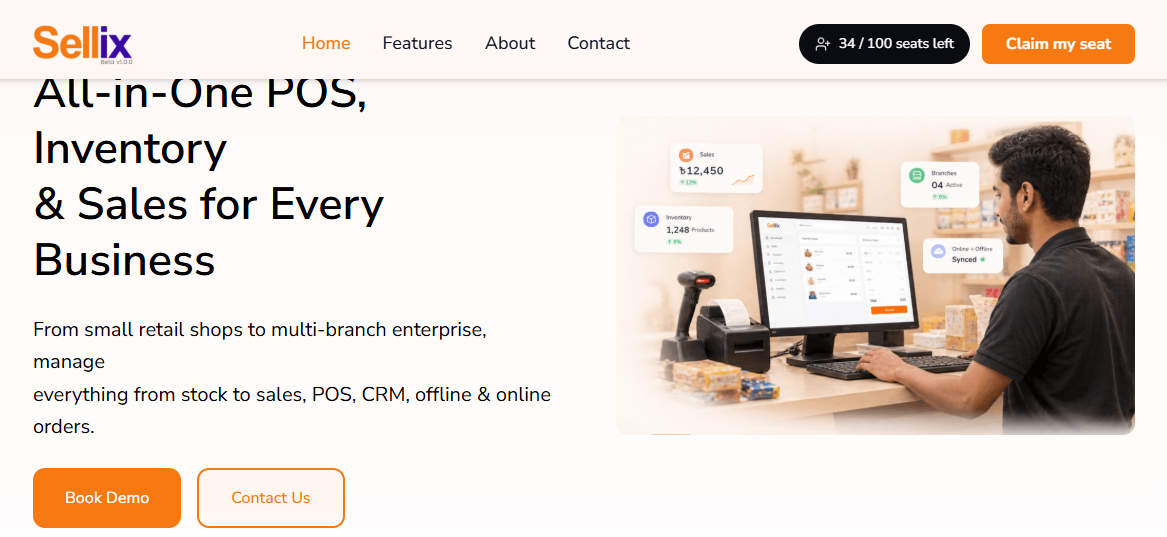
For electronics and mobile shops, Sellix offers relevant capabilities such as IMEI management, serial number tracking, warranty information management, inventory management and POS billing.
How Sellix Works
Sellix connects different activities involved in running an electronics business.
Step 1: Organize Product Information
Retailers can maintain product information, categories and inventory records in one platform. This helps organize smartphones, laptops, accessories and other electronics products.
Step 2: Manage IMEI and Serial Numbers
Electronics retailers can manage individual product identification information through IMEI and serial number management capabilities.
Step 3: Process Customer Sales
When a customer purchases a product, employees can process the transaction through the POS system and maintain organized invoice records.
Step 4: Manage Inventory and Purchasing
Retailers can manage stock information alongside purchase and supplier activities, helping them maintain better visibility into product availability.
Step 5: Review Sales and Business Performance
Sales reporting and accounting capabilities help business owners understand transactions and monitor business activities.
This connected workflow makes Sellix a practical option for electronics retailers looking for more than a basic billing solution.
How Sellix Helps Mobile and Electronics Shops Manage Daily Operations
Electronics retailers need accurate information at different stages of their business operations. Sellix brings together several relevant capabilities to support these activities.
Better Control Over Individual Devices
IMEI and serial number management helps electronics retailers organize device-level information. This is particularly relevant for businesses selling smartphones and other identifiable electronic products.
Organized Warranty Information
Warranty information management helps retailers maintain relevant product records and retrieve information when customers ask about warranty details.
Connected Sales and Inventory
Sellix connects POS activities with inventory management, helping retailers maintain better visibility into product availability and sales records.
Improved Purchasing and Supplier Records
Retailers can organize supplier and purchasing activities alongside inventory operations, making it easier to manage incoming products.
Better Visibility Across Multiple Outlets
For electronics businesses with several branches, multi-outlet management helps owners monitor outlet-level operations and business performance.
By combining these capabilities, Sellix helps retailers organize essential business activities through one platform rather than depending entirely on separate tools.
How to Choose the Best POS Software for Your Electronics Business
Selecting software is an important business decision. A solution that works for a small mobile shop may not meet the requirements of a large electronics showroom or multi-branch retailer.

Before choosing the best POS software, consider these factors:
Understand Your Business Requirements
Identify the products you sell, the number of daily transactions, your inventory size and whether you operate multiple outlets.
Check IMEI and Warranty Capabilities
If you sell smartphones and electronic devices, make sure the system supports the product identification and warranty information your business needs.
Evaluate Inventory and Purchasing
Choose a platform that connects product stock with purchasing and supplier activities.
Review Reporting and Accounting
Check whether the system provides the sales and financial visibility required to manage your business.
Request a Product Demo
A product demonstration helps you understand how the software works in real business situations. Test important workflows, including billing, inventory, device identification and reporting.
The right solution should match your current requirements and support your future business growth.
What Makes Sellix by Taskco Digital the Right Choice?
Choosing the best POS software is not only about selecting billing software. It is about finding a platform that supports the wider requirements of your retail business.
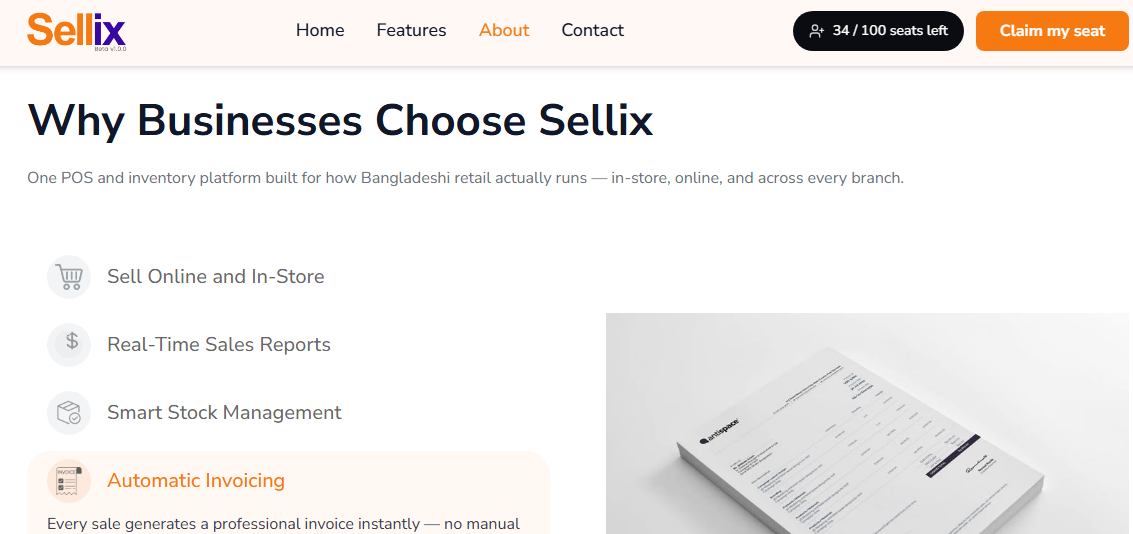
Sellix by Taskco Digital brings together important retail management capabilities, including:
Smart POS and Billing: Manage daily customer transactions through an organized POS system.
IMEI and Serial Number Management: Maintain individual device identification records.
Warranty Information Management: Organize relevant product warranty details.
Inventory Management: Maintain product and stock information.
Purchase and Supplier Management: Organize purchasing activities and supplier records.
Accounting and Sales Reporting: Review sales and financial activities.
Multi-Outlet Management: Monitor business operations across multiple locations.
AI Restock: Use available restock capabilities to support replenishment planning.
For electronics businesses looking for the best POS software, Sellix offers a connected approach to managing sales, inventory and other retail operations.
Manage Your Electronics Business Smarter with Sellix
Running an electronics business requires careful management of products, individual device information, warranties, inventory, purchasing and sales. As product collections and customer transactions grow, managing everything manually becomes increasingly difficult.
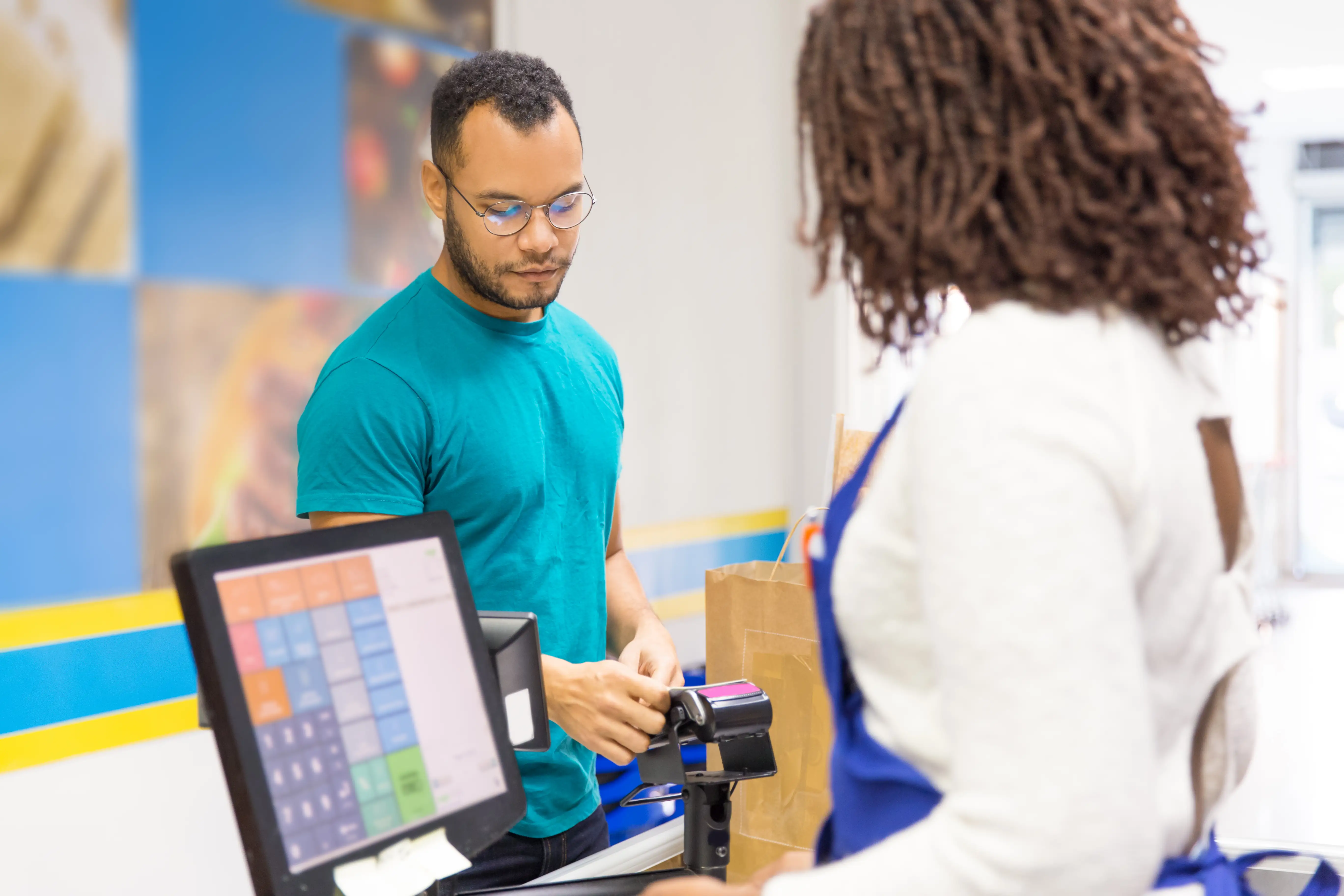
The best POS software should help electronics retailers simplify daily billing while maintaining organized inventory, IMEI, serial number and warranty information.
Sellix by Taskco Digital combines POS, inventory, purchasing, accounting and multi-outlet management capabilities in one connected retail platform. Its electronics-relevant features, including IMEI and serial number tracking and warranty information management, make it worth exploring for mobile shops and electronics retailers.
Take a smarter approach to retail management with Sellix and bring more control to your electronics business.
Ready to explore Sellix? Book a free demo with Taskco Digital