Best Inventory Management Software for Super Shops
Manage stock, purchases, suppliers, expiry dates and multiple outlets with Sellix, the best inventory management software for super shops.
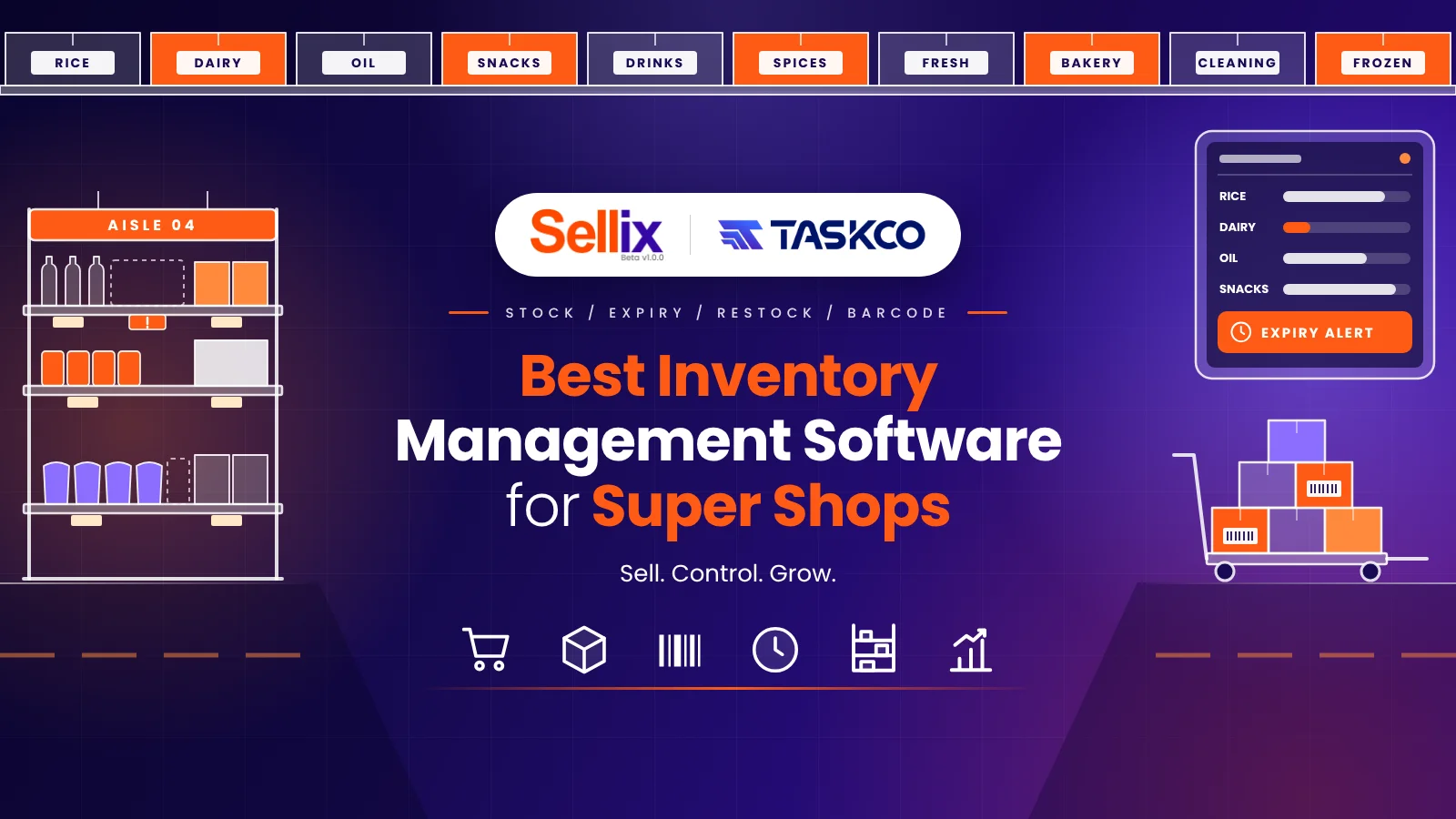
Managing a super shop involves handling hundreds or thousands of products, multiple suppliers, daily purchases, sales transactions and constantly changing stock levels. Without an organized system, tracking inventory manually can become difficult and time-consuming. This is why choosing the Best Inventory Management Software is essential for modern super shops that want to maintain accurate stock records, reduce operational mistakes and improve business efficiency.
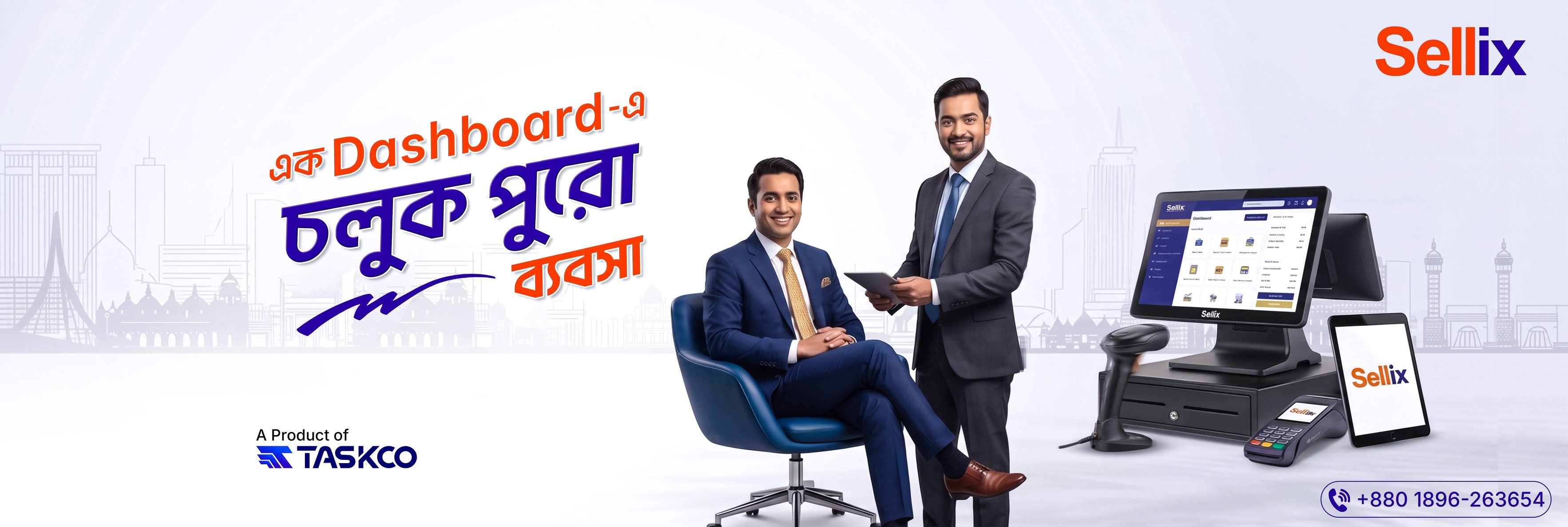
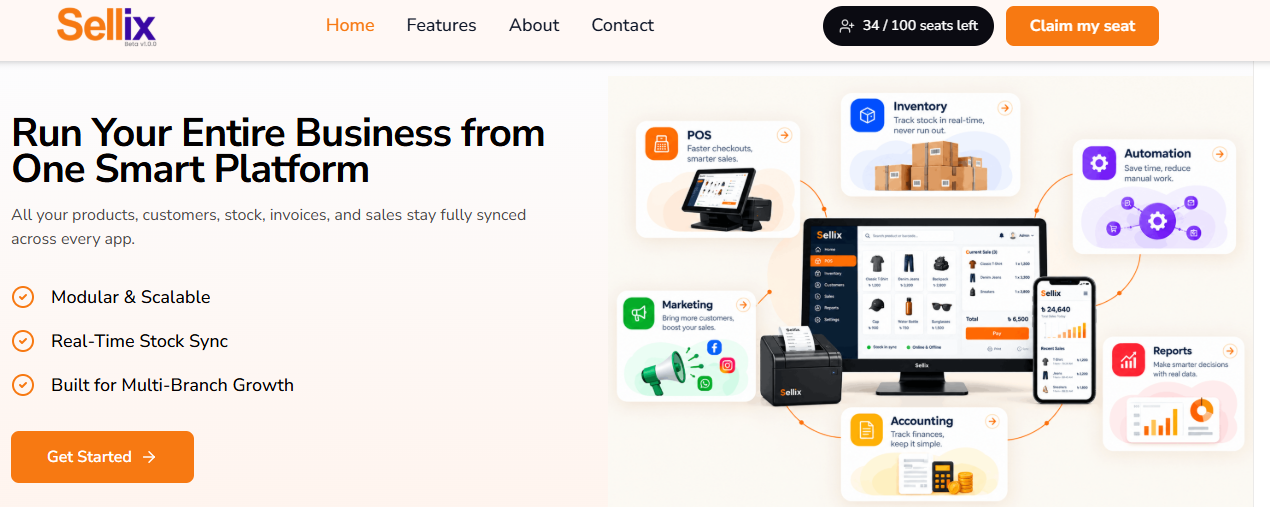
For super shops looking for a connected retail solution, Sellix by Taskco Digital offers an integrated platform that connects inventory, POS billing, purchasing, supplier management, accounting and multi-outlet operations. Rather than managing different business activities through separate tools or spreadsheets, retailers can use Sellix to manage essential operations from one platform. It helps businesses maintain better stock visibility, organize purchasing activities and make more informed decisions as they grow.
What Is Inventory Management Software for Super Shops?
Inventory management software is a digital system that helps businesses monitor, organize and control their products throughout the purchasing, storage and selling processes. For a super shop, this means knowing what products are available, how many units have been sold, which items need restocking and how much stock is remaining.

The Best Inventory Management Software helps retailers connect everyday inventory activities with their sales and purchasing operations. Instead of depending on handwritten records or separate spreadsheets, shop owners can access organized product information and updated stock records.
How Does Inventory Management Software Work?
A typical inventory management process includes several connected activities:
Product Management: Add products, categories, variants, prices and other relevant details.
Purchase Management: Record incoming products and organize purchase activities.
Stock Tracking: Monitor available stock and track changes caused by business operations.
Sales Integration: Connect product sales with inventory records through POS billing.
Supplier Management: Maintain supplier information and purchase records.
Reporting: Review inventory and sales information to support business decisions.
When these activities work together, retailers can maintain better control over their daily operations.
Why Do Super Shops Need the Best Inventory Management Software?
Super shops handle different product categories, suppliers and customer transactions every day. Managing all these activities manually can create operational challenges that affect profitability and customer satisfaction.

The Best Inventory Management Software helps address these challenges through organized and connected inventory management.
1. Prevent Stock Mismatch
Imagine your super shop has 50 packets of a product according to your notebook, but only 35 are physically available. This mismatch can happen because of missed entries, incorrect calculations or unrecorded sales.
With the Best Inventory Management Software, retailers can maintain digital stock records and connect inventory activities with sales and purchasing. This makes it easier to identify discrepancies and maintain more accurate stock information.
2. Avoid Overstocking and Stock Shortages
Keeping too much inventory can tie up business capital, while having insufficient stock can result in missed sales opportunities. Both situations can affect business performance.
Best Inventory Management Software helps retailers monitor stock levels and identify products that may need replenishment. With better stock visibility, super shop owners can make more informed purchasing decisions.
3. Manage Expiry Dates and Product Batches
Super shops sell products such as packaged foods, dairy items, beverages, snacks and personal care products. Many of these products have specific expiry dates or batch information.
Tracking these details manually becomes difficult when a shop handles a large number of products. The Best Inventory Management Software with relevant batch and expiry management capabilities can help retailers organize product information and monitor time-sensitive stock.
4. Improve Purchase and Supplier Management
Super shops frequently purchase products from different suppliers. Without proper records, it can become difficult to review previous purchases, monitor supplier information and plan future orders.
Best Inventory Management Software connects purchasing activities with inventory records, helping retailers maintain organized purchase histories and supplier information.
5. Maintain Better Control Over Multiple Outlets
Businesses operating multiple super shop branches need visibility into stock and sales across different locations. Managing each outlet separately can make it difficult for owners to understand overall business performance.
The Best Inventory Management Software for growing retail businesses should support multi-outlet operations, allowing businesses to manage branch-level activities and maintain better operational control.
Essential Features of the Best Inventory Management Software for Super Shops
Not every inventory system offers the same capabilities. Before selecting a solution, super shop owners should evaluate whether it supports their daily operational requirements.

Here are some important features to consider when choosing the Best Inventory Management Software.
1. Real-Time Inventory Tracking
Real-time inventory visibility helps retailers understand available stock and monitor changes resulting from sales and other recorded activities. It reduces dependence on manual calculations and makes stock monitoring more convenient.
2. Product and Category Management
A super shop may sell groceries, beverages, household essentials, cosmetics, personal care products and other daily necessities. Managing these items requires an organized product catalog.
The Best Inventory Management Software should allow retailers to organize products by categories and maintain relevant product information for easier management.
3. Barcode Scanning and POS Integration
Barcode scanning can make product identification and billing faster. When inventory is connected with POS billing, retailers can manage sales transactions while keeping stock records connected.
This is especially useful for super shops where customers purchase multiple products in a single transaction.
4. Purchase and Supplier Management
A good inventory solution should help businesses record purchases, organize supplier information and review purchasing activities. This allows super shop owners to maintain better relationships with suppliers and understand their purchasing history.
5. Batch and Expiry Management
For food and grocery retailers, expiry tracking is an important inventory requirement. Batch and expiry information helps businesses organize products that require special monitoring.
6. AI-Based Restock Insights
Some modern retail platforms offer AI-supported stock insights to help businesses identify potential restocking requirements. These insights can support purchasing decisions and help retailers plan inventory more effectively.
7. Multi-Outlet Management
For businesses with multiple branches, centralized visibility and outlet-level management are valuable. The system should help owners monitor operations across different locations without depending on disconnected records.
How to Choose the Best Inventory Management Software for Your Super Shop
Selecting the right system requires more than comparing prices. You should consider your business size, product range, daily sales volume and future expansion plans.
The following factors can help you make a better decision.
Understand Your Inventory Requirements
First, identify how many products your super shop handles and how frequently you purchase new stock. Consider whether you need barcode scanning, expiry tracking, batch management, supplier records or multi-outlet support.
Check POS and Inventory Integration
Choose a system where billing and inventory activities are connected. This helps reduce duplicate data entry and keeps sales and stock records organized.
Evaluate Reporting and Business Insights
Inventory information becomes more useful when it helps you understand business performance. Look for reports that help you review sales, stock and purchasing activities.
Consider Scalability
Your business may expand in the future. If you plan to open additional outlets or increase your product range, choose the Best Inventory Management Software that can support your growing operational requirements.
Request a Live Demo
Before purchasing, request a demonstration of the software. Check how products are added, purchases are recorded, sales are processed and inventory information is managed. A live demo helps you understand whether the system fits your business workflow.
When looking for the Best Inventory Management Software for your super shop, it is important to choose a solution that connects inventory with other essential retail operations.
Discover Sellix: A Smarter Inventory Solution for Super Shops
Sellix by Taskco Digital is an all-in-one retail business management platform designed to help retailers manage POS billing, inventory, purchasing, suppliers, accounting and multiple outlets from one connected system.
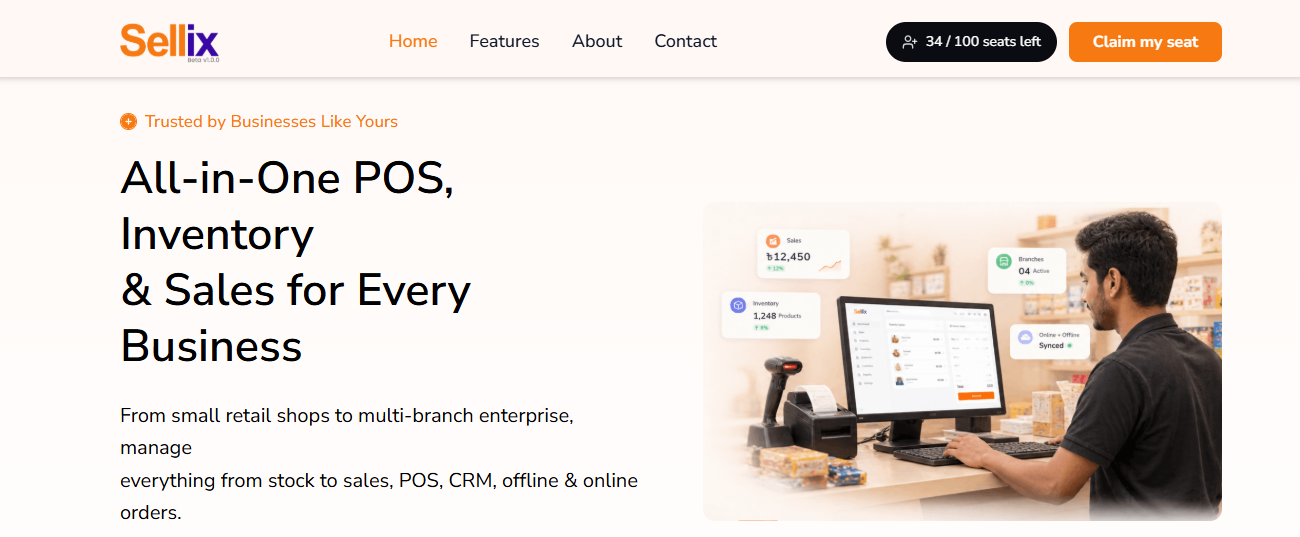
Instead of using separate tools for different activities, Sellix brings essential retail operations together.
How Sellix Helps Super Shops Manage Inventory
1. Organized Product and Inventory Management
Sellix helps retailers manage product information and maintain organized inventory records. Super shop owners can manage their product catalog and monitor stock information more conveniently.
2. POS Billing and Stock Connection
Sellix connects POS billing with inventory management. This allows retailers to handle customer transactions while keeping sales and stock information connected, reducing the need for repeated manual updates.
3. Purchase and Supplier Management
Managing suppliers and purchases is an important part of running a super shop. Sellix helps businesses organize purchasing activities and supplier information, making it easier to review purchase records and manage stock replenishment.
4. AI Restock and Stock Insights
Sellix includes AI Restock capabilities designed to provide stock-related insights. These insights can help retailers make more informed restocking decisions and manage inventory requirements more efficiently.
5. Batch, Expiry and Product Tracking
For businesses handling products with specific expiry requirements, Sellix provides batch and expiry management capabilities. This helps retailers organize relevant product information and improve stock monitoring.
6. Multi-Outlet Management
If you operate multiple super shop branches, Sellix supports multi-outlet management. Businesses can manage outlet-level operations and maintain better visibility across their retail activities.
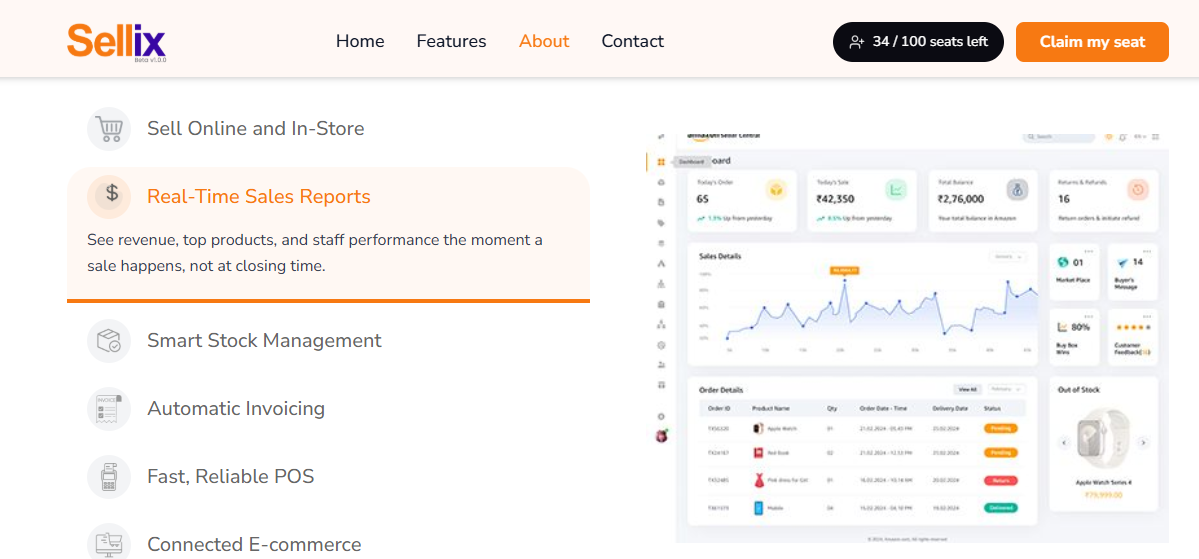
7. Accounting and Sales Reports
Sellix connects retail operations with accounting and sales reporting. This helps business owners review important business information and understand their operational performance.
With these connected capabilities, Sellix can be a practical solution for super shops that want to improve inventory control while managing their wider retail operations.
Key Advantages of Managing Your Super Shop with Sellix
Choosing the Best Inventory Management Software can help a super shop improve operational efficiency. With Sellix, retailers can benefit from connected retail management capabilities.
Better Stock Visibility: Maintain organized inventory information and monitor stock more conveniently.
Faster Billing: Connect POS operations with inventory records.
Organized Purchasing: Manage purchase activities and supplier information.
Improved Restocking Decisions: Use AI Restock insights to support stock planning.
Expiry Management: Organize batch and expiry-related product information.
Multi-Outlet Control: Manage operations across multiple retail branches.
Business Insights: Review sales and accounting information through connected reports.
These capabilities help retailers reduce dependence on disconnected records and manage daily business activities through one platform.
Which Super Shops Can Benefit from Inventory Management Software?
The Best Inventory Management Software is useful for different types of supermarket and grocery businesses, regardless of their size.

Small and Medium Super Shops
Smaller super shops can organize product information, track stock and manage purchases without depending entirely on notebooks or spreadsheets.
Large Supermarkets
Large supermarkets often handle extensive product catalogs, frequent purchases and high transaction volumes. An organized inventory system helps manage these activities more efficiently.
Grocery and Convenience Stores
Grocery businesses deal with frequently changing stock and products with expiry dates. Inventory tracking and expiry management can help them maintain better control.
Multi-Branch Super Shop Businesses
Retail businesses operating multiple outlets need connected inventory and operational visibility. Multi-outlet management can make it easier to oversee branch-level activities.
What Makes Sellix the Right Choice for Super Shops?
Sellix is designed to go beyond basic stock tracking. It connects essential retail operations, helping super shop owners manage their businesses through one platform.

With POS billing, inventory management, purchasing, supplier management, AI Restock, accounting, expiry management and multi-outlet capabilities, Sellix supports the operational needs of modern retail businesses.
If you want to understand how Sellix works for your super shop, you can request a live demo and explore its features before making a decision.
Final Thoughts on Inventory Management for Super Shops
Running a successful super shop requires more than maintaining a list of available products. Retailers need to manage purchases, suppliers, sales, stock levels and expiry information while maintaining an organized business workflow.
Choosing the Best Inventory Management Software can make these activities easier by connecting inventory with other essential retail operations. From stock tracking and purchase management to POS integration and multi-outlet control, the right platform can help super shops operate more efficiently.
Sellix by Taskco Digital brings these essential capabilities together in one retail management platform. If you want better visibility over your stock and more organized business operations, explore Sellix and see how it can support your super shop.