Best Inventory Management Software for Furniture Shops
Discover the best inventory management software for furniture shops. Manage stock, purchases and sales with Sellix.
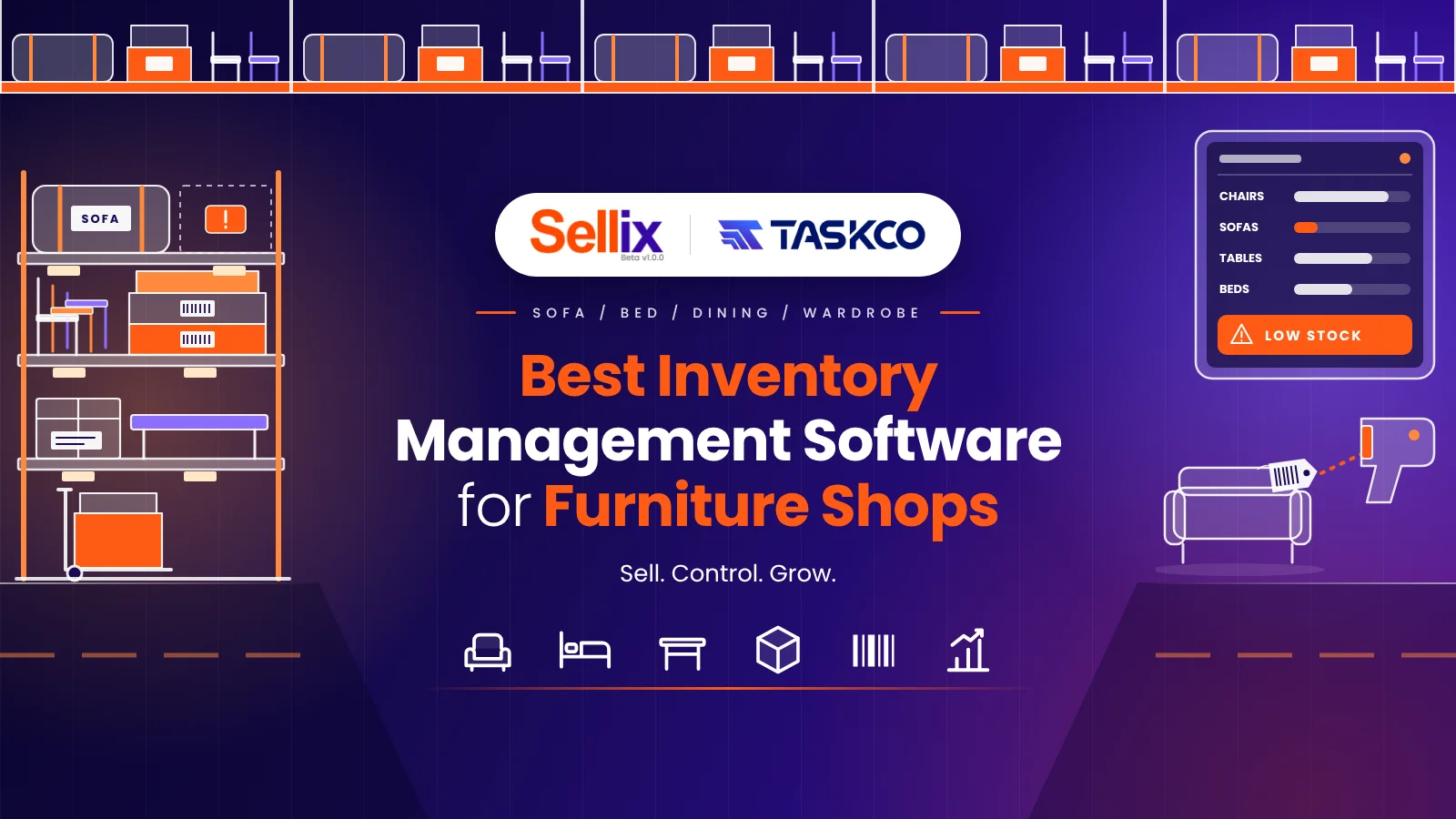
Managing a furniture shop involves more than displaying products and making sales. Furniture retailers need to track different product types, materials, colours, sizes, designs, stock availability, purchases and supplier information. Without an organised system, managing these activities manually can lead to stock mismatches, purchasing mistakes and unnecessary business expenses. Choosing the Best Inventory Management Software helps furniture businesses maintain accurate stock records, monitor product movement and manage daily operations more efficiently.

For furniture retailers looking for a connected business solution, Sellix by Taskco Digital offers an integrated platform for managing inventory, sales, purchases, suppliers and multiple outlets. Instead of handling different business activities through separate tools or spreadsheets, retailers can manage important operations from one platform. The right Best Inventory Management Software can help furniture shops improve stock visibility, make informed purchasing decisions and build a more organised retail operation.
Why Do Furniture Shops Need Inventory Management Software?
Furniture businesses often deal with products that require more attention than everyday retail items. A showroom may contain sofas, beds, dining tables, wardrobes, office desks, chairs and decorative furniture. Each product may have different sizes, colours, materials, designs and prices.
Managing these products manually becomes challenging as the business grows. Shop owners may struggle to identify which products are available, which items need restocking and how much inventory is currently stored.
The Best Inventory Management Software helps solve these problems by providing a structured way to record, monitor and manage stock.
Here are some common challenges furniture retailers face:
1. Difficulty Tracking Different Furniture Products
Furniture shops handle multiple product categories and variations. Keeping separate records for every product manually can become confusing. A proper inventory system helps retailers organise product information and maintain clearer stock records.
2. Stock Mismatch and Inaccurate Records
Sometimes the physical stock does not match the records maintained in notebooks or spreadsheets. This can create problems during sales and purchasing. The Best Inventory Management Software helps businesses maintain more consistent inventory information.
3. Unorganised Purchase Management
Furniture retailers regularly purchase products from different manufacturers, wholesalers and suppliers. Without organised purchase records, it becomes difficult to track incoming stock, purchase costs and supplier transactions.
4. Limited Stock Visibility
Business owners may not always know which products are selling quickly and which items are remaining in the showroom for a long time. Better inventory tracking provides useful visibility into stock movement.
5. Managing Multiple Showrooms
Furniture businesses operating multiple branches need to monitor inventory across different locations. Managing each showroom separately can create communication gaps and stock-related confusion.
Using the Best Inventory Management Software can help retailers bring these activities into a more organised workflow.
What Is Inventory Management Software for Furniture Shops?
Inventory management software is a digital solution that helps businesses record, track and manage their products throughout the purchasing and selling process.

For furniture retailers, this means maintaining organised product records, monitoring available stock, tracking purchases and understanding how inventory changes after sales.
The Best Inventory Management Software connects important inventory activities so that business owners can access useful information without depending entirely on manual records.
A furniture inventory management system generally supports:
Product and category management
Stock quantity tracking
Purchase and supplier records
Sales-related stock updates
Product pricing and cost records
Barcode-based product identification, where supported
Stock reporting and business insights
Multi-outlet inventory visibility
For furniture shops, these capabilities help create a more reliable process for managing products from supplier purchases to final customer sales.
Essential Features of the Best Inventory Management Software for Furniture Shops
Not every inventory system is suitable for every furniture business. Before selecting a solution, retailers should understand which features can improve their daily operations.

The Best Inventory Management Software should support the following important capabilities.
1. Product and Category Management
A furniture shop may sell products across several categories, including bedroom furniture, living room furniture, dining furniture, office furniture and home décor.
A structured product management system helps retailers organise products by category and maintain essential information such as product names, prices and stock quantities.
When comparing the Best Inventory Management Software, look for a solution that makes product information easy to manage and update.
2. Real-Time Inventory Tracking
Knowing the availability of each product is important for furniture retailers. Customers often ask whether a particular sofa, bed or dining table is available before making a purchase.
An inventory system connected with sales activities can help update stock records as transactions are processed.
With the Best Inventory Management Software, retailers can reduce dependence on manual stock adjustments and make product availability easier to monitor.
3. Purchase and Supplier Management
Furniture retailers frequently purchase products from multiple suppliers. Keeping purchase information organised is essential for understanding product costs and supplier transactions.
A good inventory solution should help businesses maintain purchase records, supplier details and incoming stock information.
The Best Inventory Management Software should connect purchasing with inventory so retailers can maintain a clearer record of products entering their business.
4. Sales and Billing Integration
Inventory management should not operate separately from sales. When a product is sold, its stock information should reflect the transaction through the connected system.
POS and billing integration helps retailers process customer purchases while maintaining inventory records.
This is why the Best Inventory Management Software for furniture shops should ideally connect inventory with sales and billing operations.
5. Barcode Scanning and Product Identification
Identifying products manually can take time, especially in furniture showrooms with many product records.
Barcode scanning can make product identification and billing more convenient when compatible products and hardware are used.
Retailers evaluating the Best Inventory Management Software should consider whether barcode functionality fits their product management and billing workflow.
6. Multi-Outlet Inventory Management
Furniture businesses with multiple showrooms need a better way to monitor their operations across different locations.
A connected system can help business owners manage branch-level activities and maintain better visibility of inventory and sales.
The Best Inventory Management Software for growing furniture businesses should support multi-outlet operations without making management unnecessarily complicated.
7. Reports and Business Insights
Retailers need more than stock quantities. They also need to understand sales performance, purchasing activity and business expenses.
Inventory and sales reports can help furniture shop owners identify product movement, review business performance and make more informed decisions.
Choosing the Best Inventory Management Software with useful reporting capabilities can make daily business planning easier.
Introducing Sellix and How Sellix Helps Furniture Shops Manage Inventory
Sellix is an all-in-one retail business management platform developed by Taskco Digital. It connects important retail activities, including POS billing, inventory management, purchasing, supplier management, accounting and multi-outlet operations.
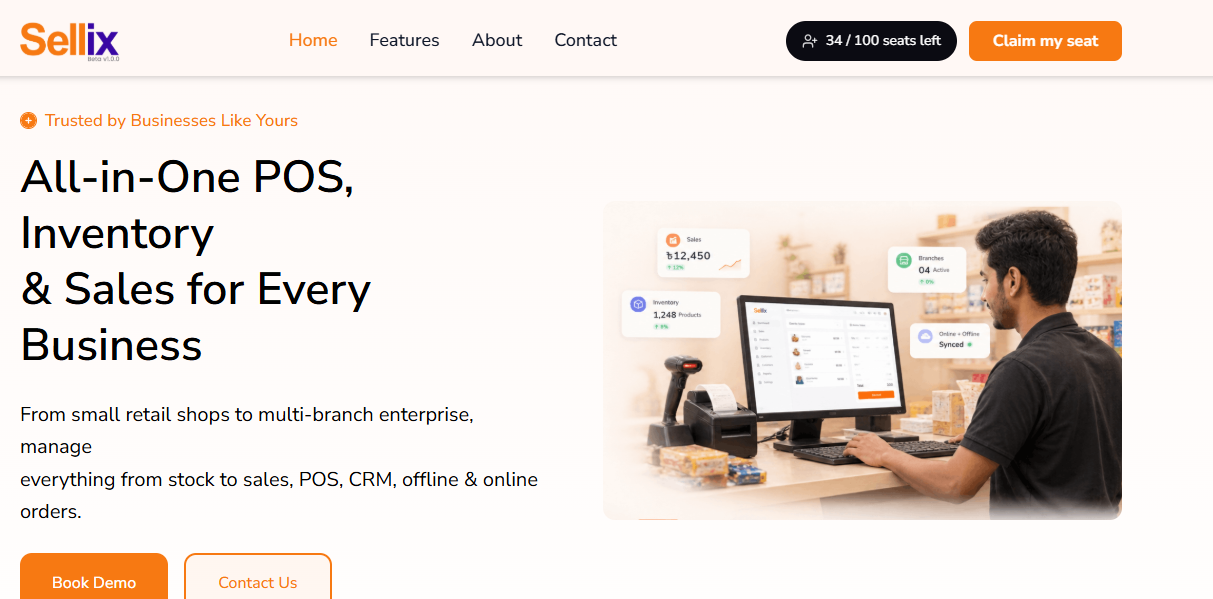
For furniture retailers, Sellix provides a connected way to manage essential business processes instead of maintaining separate records for every activity.
1. Organised Product and Inventory Management
Furniture retailers can maintain product information and manage their inventory through a centralised system. This helps keep product records organised and makes it easier to monitor stock information.
2. Connected POS and Billing
Sellix connects POS billing with inventory operations. When retailers process sales through the system, inventory information can be updated as part of the connected workflow.
This reduces the need to manage sales and stock records separately.
3. Purchase and Supplier Management
Sellix helps retailers organise purchase activities and supplier information. Furniture businesses can maintain purchase records and monitor supplier-related transactions through the platform.
This is particularly useful for shops that source different furniture categories from multiple suppliers.
4. Multi-Outlet Management
For furniture businesses operating multiple showrooms, Sellix supports multi-outlet management. Retailers can manage important branch-level business activities through a connected platform.
5. Reports and Accounting
Sellix provides sales reports and accounting capabilities that help retailers understand business performance and maintain more organised financial records.
6. AI Restock Insights
Sellix includes AI Restock functionality to support stock planning and restocking decisions. Retailers can use available stock insights to make more informed purchasing decisions.
By connecting these capabilities, Sellix offers furniture retailers an integrated alternative when evaluating the Best Inventory Management Software for their business.
How to Select the Right Inventory Management Software for Your Furniture Store
Selecting the right software requires understanding your shop's current operations and future business goals. A system that works for a small showroom may not be sufficient for a retailer managing several branches.

Before choosing the Best Inventory Management Software, consider these factors:
Understand Your Inventory Requirements
Identify how many products, categories and variations your business handles. Consider whether you need to maintain information about product sizes, colours, materials and designs.
Check Purchase and Supplier Features
Choose a system that helps you organise purchase records and supplier information. These capabilities are important for furniture businesses that regularly source products from different suppliers.
Evaluate Sales Integration
Check whether inventory is connected with POS billing. A connected workflow can reduce repetitive data entry and help maintain more consistent stock records.
Consider Business Growth
If you plan to open additional showrooms, consider whether the software supports multi-outlet operations. Changing systems later can create unnecessary operational difficulties.
Review Reporting Capabilities
Look for useful sales, inventory and accounting reports. These insights can help you understand business performance and plan future purchases.
Compare Support and Usability
Software should be practical for your employees to use. Consider the interface, onboarding process, available support and whether the system fits your daily workflow.
The Best Inventory Management Software is not necessarily the one with the most features. It is the solution that matches your business requirements and helps your team manage operations consistently.
Top Benefits of Using Inventory Software in Furniture Shops
Implementing the right system can improve several areas of furniture retail operations.

Better Stock Accuracy
Digital inventory records help retailers maintain more organised product information and reduce the risk of manual recording mistakes.
Improved Purchasing Decisions
Purchase records and stock insights help business owners understand inventory requirements before placing new orders.
Faster Sales Operations
Connecting POS billing with inventory can make product sales and stock updates easier to manage.
More Organised Supplier Records
Centralised supplier and purchase information helps retailers review business transactions more efficiently.
Improved Multi-Branch Control
Furniture businesses with multiple showrooms can benefit from connected outlet management and better operational visibility.
More Informed Business Decisions
Sales reports, accounting information and inventory insights provide useful information for planning business activities.
These advantages make the Best Inventory Management Software an important consideration for furniture retailers who want to improve operational efficiency and support long-term growth.
Furniture Retailers That Can Improve Operations with Inventory Software
Different types of furniture businesses can benefit from digital inventory management.
Furniture Showrooms: Manage sofas, beds, wardrobes, tables and other showroom products.
Home Furniture Stores: Organise bedroom, living room, dining and decorative furniture categories.
Office Furniture Retailers: Manage office desks, chairs, storage units and related products.
Furniture Wholesalers: Maintain purchase, supplier and inventory records across business operations.
Multi-Outlet Furniture Businesses: Improve visibility and management across different showrooms.
Furniture and Home Décor Shops: Manage furniture alongside related home accessories and products.
Whether a business operates a small showroom or multiple retail outlets, the Best Inventory Management Software can help establish a more organised inventory process.
What Makes Sellix a Smart Choice for Furniture Businesses?
Sellix brings essential retail management capabilities together in one platform. Rather than treating inventory, purchasing, billing and accounting as disconnected activities, it helps retailers manage these operations through a connected system.

For furniture retailers, Sellix offers:
POS and fast billing
Inventory and stock management
Product and category management
Purchase and supplier management
Real-time stock synchronisation through connected operations
Sales reports and accounting
AI Restock insights
Multi-outlet management
Barcode scanning support
Sellix is developed by Taskco Digital to help retail businesses manage their operations more efficiently. Furniture shop owners can explore the platform and evaluate whether its capabilities match their inventory and business requirements.
If you are comparing the Best Inventory Management Software for your furniture shop, consider how a connected platform like Sellix can support your daily retail operations.
Build a Smarter Furniture Business with Better Inventory Management
Furniture retail requires careful management of products, purchases, suppliers, sales and stock availability. As a furniture business grows, manual inventory tracking becomes increasingly difficult and can create unnecessary operational challenges.
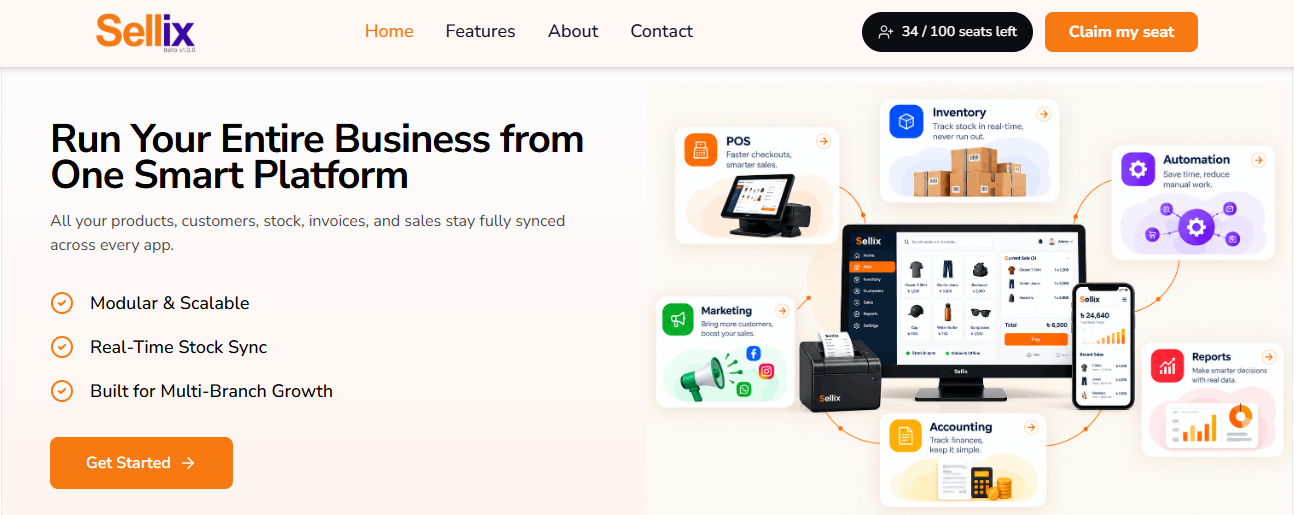
Choosing the Best Inventory Management Software can help furniture retailers maintain organised stock records, improve purchasing decisions, connect sales with inventory and manage multiple outlets more efficiently.
Sellix by Taskco Digital brings POS, inventory, purchasing, supplier management, accounting and AI Restock capabilities together in one retail management platform. Furniture retailers can explore Sellix to understand how a connected system can support their business operations.
A better-managed inventory process is an important step towards building a more organised, efficient and scalable furniture business.